TL;DR: Claude Opus 5.5 does about 70 percent of my work. The bigger change is how I run everything, from the command line in cmux, with one coordinator model directing Claude, ChatGPT and Gemini on the same problem.
The way I use AI has changed a lot lately, and I wanted to share what that looks like with this group. The past few months brought several excellent new models in Opus 5.5, GPT-6 Astra and Gemini 4 Argon. We also got a wave of new personal and work agents: Grok Bot, Meta Muse, Dots and Claude Duet.
Long-time readers know I’m a self-described power user of all of these tools. I try hard to keep up with the latest capabilities, and with this much going on, that’s a challenge. Especially while I’m delivering multiple training sessions a week, recording videos and helping out on cases.
My favorite model right now
If I had to pick one model today, it’s Claude Opus 5.5, without a doubt. It’s a fantastic all-around model. Programming, writing, highly polished office documents, and with the right tools, excellent videos. Nothing is better. Nothing is even close. I run it on “extra high” as my default, all the time.
I’ve mostly left the browser
I used to reach these tools mainly through the browser. Now I almost never do. Grok is the exception, and I only use it in the browser. Otherwise browser use is maybe once a week for something quick. Everything else happens in the apps, meaning Claude Desktop, Codex (ChatGPT), Gemini (AntiGravity) and Copilot, or directly through the command line interface, the CLI. That’s been one of my biggest changes.
For a long time I used Ghostty as my Mac terminal replacement, but I’ve moved all of my CLI work to cmux. I love the vertical tabs and being able to rename each one for what I’m working on. And when it restarts, I can get everything going again easily. I don’t have to remember everything I had open. That’s a huge productivity boost for me. Right now I have 15 terminal sessions open. Some are actively running. Others are just waiting for me to pick a project back up when I can.
No more plain chats
I never start a straight “chat” anymore. Everything in Claude or ChatGPT is a Cowork or work session, because that’s where the power and capability are. I’m looking forward to the day this distinction is gone completely. I get why we have this intermediate step while everyone gets brought along, but it will all be merged soon enough.
One terminal, every account, every model
One of my biggest recent wins is running separate CLI sessions for my different accounts. For both Claude and ChatGPT, I have personal accounts (Max on Claude, Pro on ChatGPT) plus team (Claude) and business (ChatGPT) accounts. For personal projects and my own work I use Max and Pro, and in the CLI I just type “claude” or “codex” to launch them. I’ve also set up dedicated sessions linked to my commercial accounts, so typing “claude-work” or “codex-work” launches a CLI that’s already logged in to that subscription. All of them can run at the same time in cmux, which is great.
I’ve also tied every CLI session together. They all know about each other, and they share one memory and skills system (let me be clear here - the personal ones are tied together, and the work ones are tied together). So any project I’m working on in Codex can also be seen and worked on by Claude or Gemini.
That sets up the way I get the most out of them. I usually have Fable 5.1 or Opus 5.5 act as a master coordinator and spin off subagents in Claude, Codex and Gemini. They all work the same problem, check each other’s work and drive to a consensus conclusion. I used to do this by hand. I’d start a process in Claude, paste the results into ChatGPT, paste those results into Gemini, then take all of it back into Claude and go around again a few times. Not anymore. A single command puts the most powerful models to work together, and it’s changed my ability to get the best insights the very first time.
I won’t name the specific projects, but right now cmux has multiple claude sessions, multiple codex, one grok, one antigravity, multiple claude-work and multiple codex-work all going. I can see every one of them and its status instantly. If you’re a multi-threaded person, this is great.
Training pages and custom videos
Two other changes are making a big difference in my productivity. When I create training content now, I have Claude build a custom page on my website for that specific event. The pages don’t get indexed, and Claude creates a nice QR code that takes attendees straight there. So every client or group I train gets a dedicated page (that won’t show up in a regular Google search), with every example, every sample prompt and more, and they can always get back to it. Building it is literally a one-line command at the end of each session, and it deploys automatically. I like ChatGPT sites too, and I originally planned to deploy there, but this turned out to be much easier.
I’ve also been creating custom videos to kick off client events. I’ve connected Claude, Codex and Gemini to FFmpeg, Hyperframes, Higgsfield, ElevenLabs, DaVinci Resolve and my flow.google account, which runs Veo 3.1, so they can produce highly polished videos automatically. Being able to make a strong 1 to 2 minute video with sharp insights, text overlays, photos, good edits, voiceovers and hand-crafted animations is fantastic. Once you know how to do this, a whole new set of things becomes possible. Although I keep burning through my Higgsfield video credits. Might have to level-up that subscription.
Meetings and dictation
Granola is still my go-to for capturing meetings. All of my models connect to it through MCP, so they can read every transcript and help me generate proposals, set reminders and so on.
I’ve been a Wispr Flow user for a long time and still love the product, but I recently decided to build my own. Figured, why not. An hour with Claude Code and I had a completely custom version of Wispr Flow that runs entirely on my Mac, local models included. Nothing leaves the device, and it’s lightning fast. I put it up as open source on my GitHub if you want to play with it.
The one new agent I’m using
The only new agent I’ve been playing with is OpenAI’s Dots, and I’ve found it incredibly useful for my business and my personal life. The one thing I really like about ChatGPT/Codex is that it can connect to multiple Gmail accounts, work and personal. Having all of that in one interface is huge. Come on, Claude and Gemini - get with the program! It’s constantly monitoring things for me, making proactive suggestions and spotting problems. I could not be a bigger fan. I’ve also got my wife hooked on it - and that’s probably an even bigger endorsement. ;)

I’m not using Meta Muse or Grok Bot. I don’t trust either of them with access to my client data.
Voice
My last big change has been voice. The interactive voice in ChatGPT, is fantastic, and I use it all the time. On a drive. Out walking Magnus. I can have a long back-and-forth conversation, fire off threads to go do things, and come back to completed work.
How my usage breaks down
So how am I splitting my time across the models these days?
Claude Opus 5.5 is about 70 percent. I find it better than Fable 5.1 for my use cases. Claude has the deepest knowledge of me and my business, and the knowledge documents it creates are world class. I also find Claude’s Excel, Word and PowerPoint add-ins better than both ChatGPT’s and Copilot’s.
GPT Sol 6.1 and Astra are about 20 percent. I like both models a lot and mix them up depending on the job. I mostly use these as my checker, handing it content Claude created so it can test it, catch problems and make it stronger. I also love the GPT-6 Pro model for analyzing writing. It’s astonishingly good.
Gemini 4 Argon is about 10 percent. I’m seriously impressed with its reasoning, writing and creativity. I’m using it mostly through Antigravity on a personal account right now, since it isn’t available yet for my Workspace account. I can see myself using more and more of it, and I’m excited to see the next Carbon update once it becomes available. Lots more testing to do over the next few weeks. Its biggest weakness so far has been the harness, the app and tooling around the model, and I suspect that will improve fast. For now it’s my go-to model for everything personal.
Grok is under 1 percent. I use it mostly inside X to search for and analyze things.
Copilot is zero unless I’m forced. I only use it when a client wants to be trained on it. I have the premium M365 subscription, and I find its harness, its approach and the answers it gives the worst of the group. I find it lazy. It can’t do basic things, and the interface is clunky. Its Excel, Word and PowerPoint add-ins are also the weakest of the set. Go figure.
I hope you enjoyed reading this - please share it with others!
I know it’s a different kind of update - but I get asked this question all the time (Steve, what do you use daily?). One thing I want to make clear here that I also make clear in my training sessions. I have no financial relationship with any of these companies (other than paying personally for all of the subscriptions!). I always want my advice and insights to be completely objective and based on my personal opinions. If that ever changes for any reason I will let everyone know.
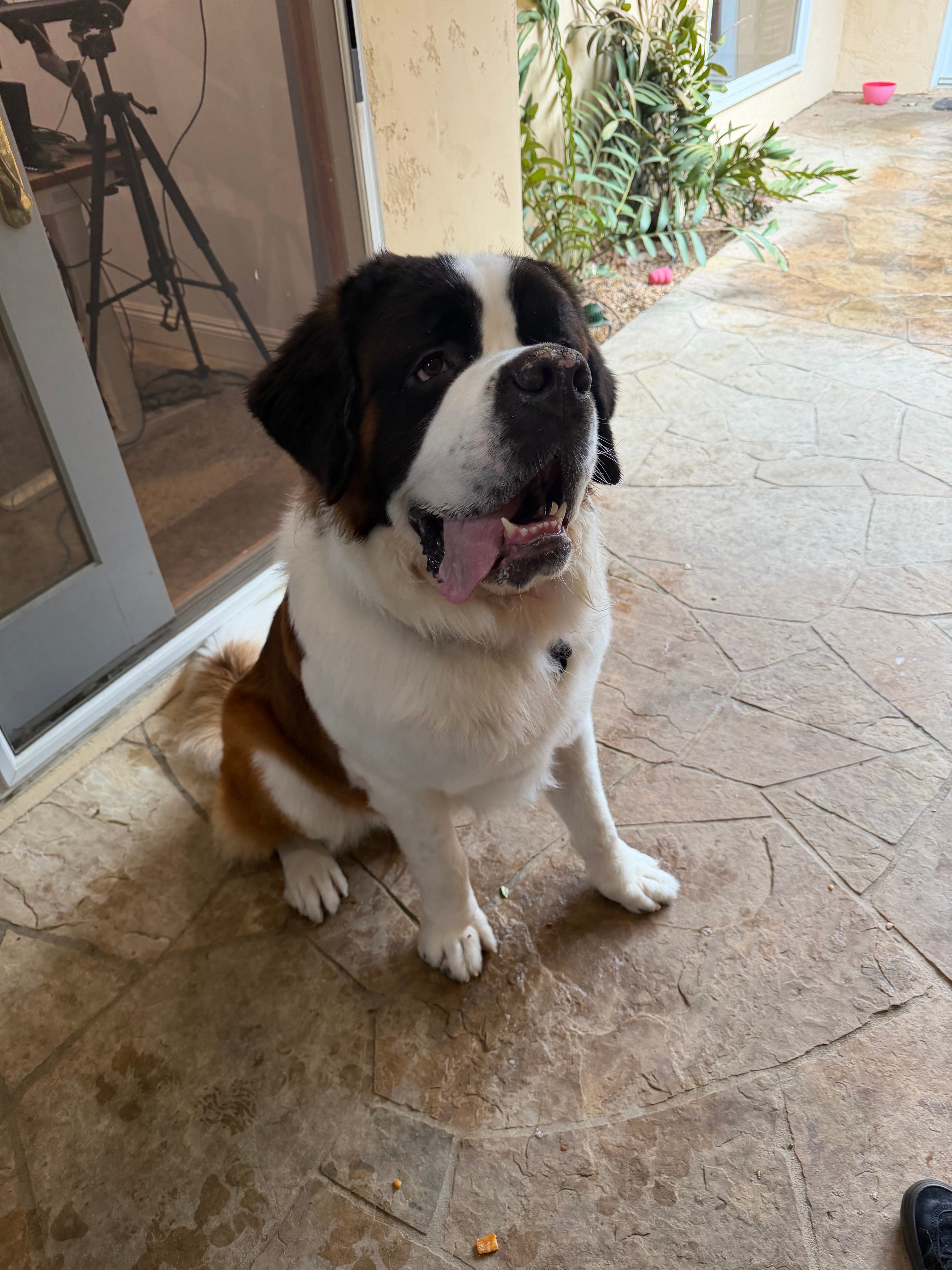
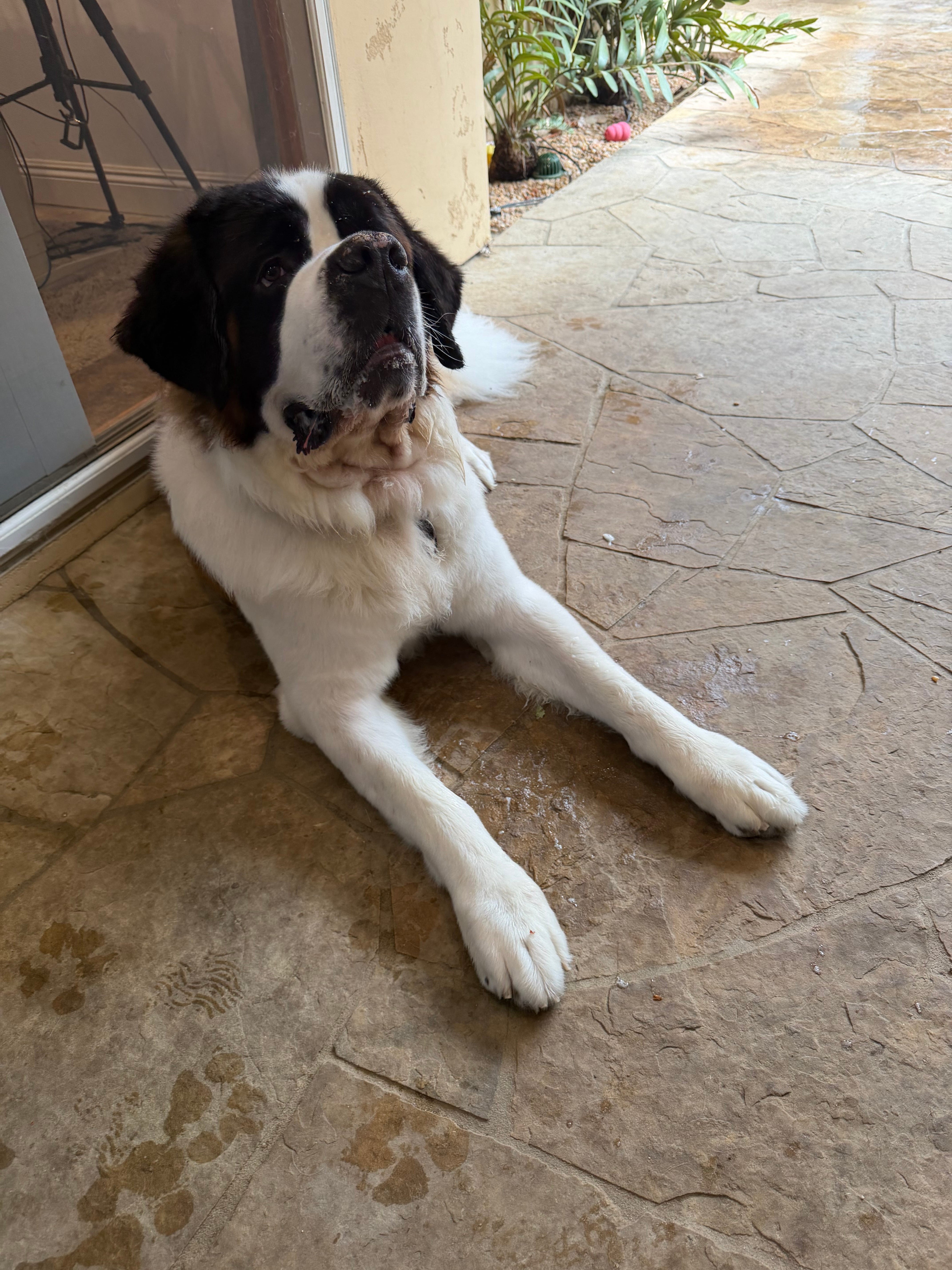
Ok - it was bath day for Magnus! He is SO clean again! And - tomorrow (Oct 22nd, 2026) is his birthday and he will be two years old! Time to celebrate. Here are some pictures from right after the bath as he hangs out outside my office.