TL;DR: Anthropic is putting Claude inside the document. Claude Docs and Claude Slides, in beta since September 16, let your team and Claude build documents and decks together. Claude for Google Workspace, in public beta since October 6, adds a Claude sidebar to the Google files your firm already works in. That speeds up drafting. It also means your firm needs clear rules on authorship and client data before anyone opens a client file.
I installed the new Claude sidebar in Google Docs and highlighted a paragraph. Google’s own popup appeared next to the text and offered to send me to Gemini. Over in the sidebar, Claude had picked up the same highlight, and I could ask it to make the edit instead.
Two AI models from two companies were offering to rewrite one paragraph at once, and I hadn’t asked either of them. The screen made it feel like they were competing for my click. I almost ran a conflicts check.
That sidebar is the newer of two Anthropic launches. On September 16, Anthropic announced Claude Docs and Claude Slides, its own document and presentation editors. On October 6, it put Claude inside Google Workspace. For law firms, that’s a big deal, because legal work happens in documents.
What lawyers will run into in week one
The part of Claude Docs I’d show a partner first is the comment. Highlight a stiff paragraph in a settlement summary and type “@Claude, this reads like a contract. Make it sound like me talking to a client.” Claude makes the change and explains it in the thread.
Your client can’t get into that doc. On a Team plan, you can’t share it outside the firm, so you export it to Word and send that. For now, I’d treat a Claude Doc as the workroom and the exported file as the record.
The Google sidebar is the one to watch if you supervise anybody. Google logs Claude’s edits under the name of whoever asked, so version history puts the associate’s name on every line Claude touched. The chat behind those edits lives in that associate’s browser, and on a Team plan nobody else can see it. On Enterprise, your admin can review the whole session through Anthropic’s Compliance API.
Pull your AI policy out and see whether it mentions a sidebar. (ABA Formal Opinion 512, from July 2024, puts the job of setting that policy on the lawyers who run the firm.)
The Google extension also has no zero data retention (ZDR) option, even on Enterprise. Firms that run ZDR or a HIPAA-ready setup can’t use Claude Docs at all yet, and it has no version history so far. Anthropic’s help center lists the rest of the beta gaps.
Why this matters for law firms
Most legal documents pass through several hands. A partner marks up a draft and an associate turns those notes into the next version. Chat-based AI never fit that pattern.
Each lawyer had a private conversation, and the good parts got pasted into the draft by hand with no trail back to where they came from. Claude Docs puts the team and the AI in the same file.
I think this matters most for small firms. Many of the smaller firms I work with keep their files on a network shared drive. Desktop agents slow to a crawl there. My team has had to move active files to a local drive just to get the speed back. A Claude Doc lives in Claude, so that slowdown doesn’t touch it.
The price works for a small firm, too. Claude’s Team plan now starts at two seats, and a standard seat costs $20 a month on annual billing, or $25 if you pay monthly. A five-person firm on the annual plan pays $100 a month.
Firms on Google Workspace get a different kind of news. Gemini already shows up inside their documents. Now Claude can sit in the same file, which lets a firm pick the model it trusts for drafting. Microsoft 365 firms have had that choice for a while through Claude’s add-ins.
When I tested Gemini 3.7 Flash, it beat Claude Opus 5 on my coding test. It also ignored my writing style instructions. For lawyers, that second result outweighs the first.
What this could look like in your firm
The two scenarios below are hypothetical. The Claude features and limits in them come from Anthropic’s own help pages.
The other side’s draft in Google Docs
The other side sends back its draft of an asset purchase agreement, and the associate pulls it into Google Docs. In the Claude sidebar, she asks for every defined term that’s used but never defined. That’s one of Anthropic’s own sample prompts, and it’s a good one. Claude’s answer points to where it found each term, so she can check every one against the definitions section.
She has Claude propose fixes as cards she can accept or reject one at a time. The sidebar can’t read the comments in the margin, so she pastes the ones that matter into the chat. If there are a lot of them, a regular Claude chat works better. Paste the doc’s link there, and the Google Docs connector can read the comments and suggestions the sidebar can’t see. On Team and Enterprise plans, an owner has to turn that connector on first.
Claude’s changes go in as plain edits, with no suggestion markup. If the other side expects a redline, she works on a copy and runs Google’s Compare documents tool against the original when she’s done.
The other risk is sneakier. A document from outside your firm can hide instructions in white text or tiny fonts. Anthropic’s help page says Claude treats document text as data and labels any hidden text it finds.
It also tells you to review what Claude proposes before you approve it, especially in files from outside your organization. For a lawyer, the other side’s draft is that kind of file. I’d keep the sidebar on Ask before edits for anything that came from outside the firm.
A medical bills tracker in Google Sheets
The medical bills in this personal injury file came from different providers, so one column of dates shows up in three formats. The total on the summary tab doesn’t match the invoices, and nobody remembers who built the formulas.
A paralegal highlights the total and asks Claude to walk through how it’s calculated and flag anything hardcoded. She clicks Allow on the fix Claude proposes and has it normalize the dates too. The last request is a pivot table of charges by provider for the demand package.
If a change goes wrong, Undo reverses it, and the sheet’s version history goes back further than that. On a big sheet she may have to work in stages, because Google stops any single operation after six minutes.
I’d slow down here. Anthropic’s help page says the extension’s inputs and outputs are deleted within 30 days, with some exceptions. Custom retention settings your firm has set don’t carry over to it.
That page also says the extension isn’t covered for HIPAA-ready organizations and tells them not to use it with protected health information. A client’s medical bills are sensitive no matter how HIPAA applies to your firm. Decide as a firm where that information can go before anyone opens the sidebar on it.
A quick word on decks
Claude Docs can turn a memo into a Claude Slides deck with one request. Decks squeeze out caveats. The assumption buried in paragraph four of the memo won’t make it to slide three unless someone puts it back. Whoever owns the numbers should read every slide before anyone presents it.
Two AI assistants in one Google Doc
Back to that highlighted paragraph. On Google Workspace, the new sidebar means two AI vendors can sit inside the same client file. Gemini comes built in.
Claude arrives through an add-on, either one your admin installed or one a lawyer added on their own. Each runs under its own terms, and the lawyer picks which one sees the text by where they click.
I’m a heavy Gemini user myself. My worry is governance. A firm that never says which assistant to use for client work will end up using both, file by file.
If a lawyer signs into the sidebar with a personal Pro account, the file’s content is handled under Anthropic’s consumer terms. Firm accounts on Team or Enterprise are covered by Anthropic’s commercial terms and its data processing addendum.
The controls exist. A Google admin can install Claude for one group or block it until the firm is ready. On the Claude side, admins decide which connectors and models the sidebar can use.
I wouldn’t wait for the betas to finish. I’d start with work that can’t hurt a client.
What to do Monday
Pick one AI assistant for client documents and put it in your AI policy. On Google Workspace, that means choosing between Gemini and Claude for drafting and telling every lawyer which one to use.
Move anyone who touches client work off personal Pro accounts and onto a Team or Enterprise plan, so client files fall under Anthropic’s commercial terms and a data processing addendum. Then have your Google admin install the sidebar for that group and nobody else.
Run a two-week pilot on internal work. Draft a firm memo in Claude Docs with a couple of colleagues and @Claude in the comments, and clean up a firm spreadsheet with the Google sidebar. Learn how sharing and attribution work before a client file goes in.
Write the rules this month, while the beta label still buys you time.
Thanks for reading. If you enjoyed this, please share it with others.
Last week and this week has been crazy with announcements from OpenAI and Anthropic. There have also been big announcements on Muse (Meta) and Grok (SpaceXAI). I expect a big announcement from Google on the new Gemini 4 to drop any day now.
I’m going to continue working to highlight the ones that I think matter the most to you.
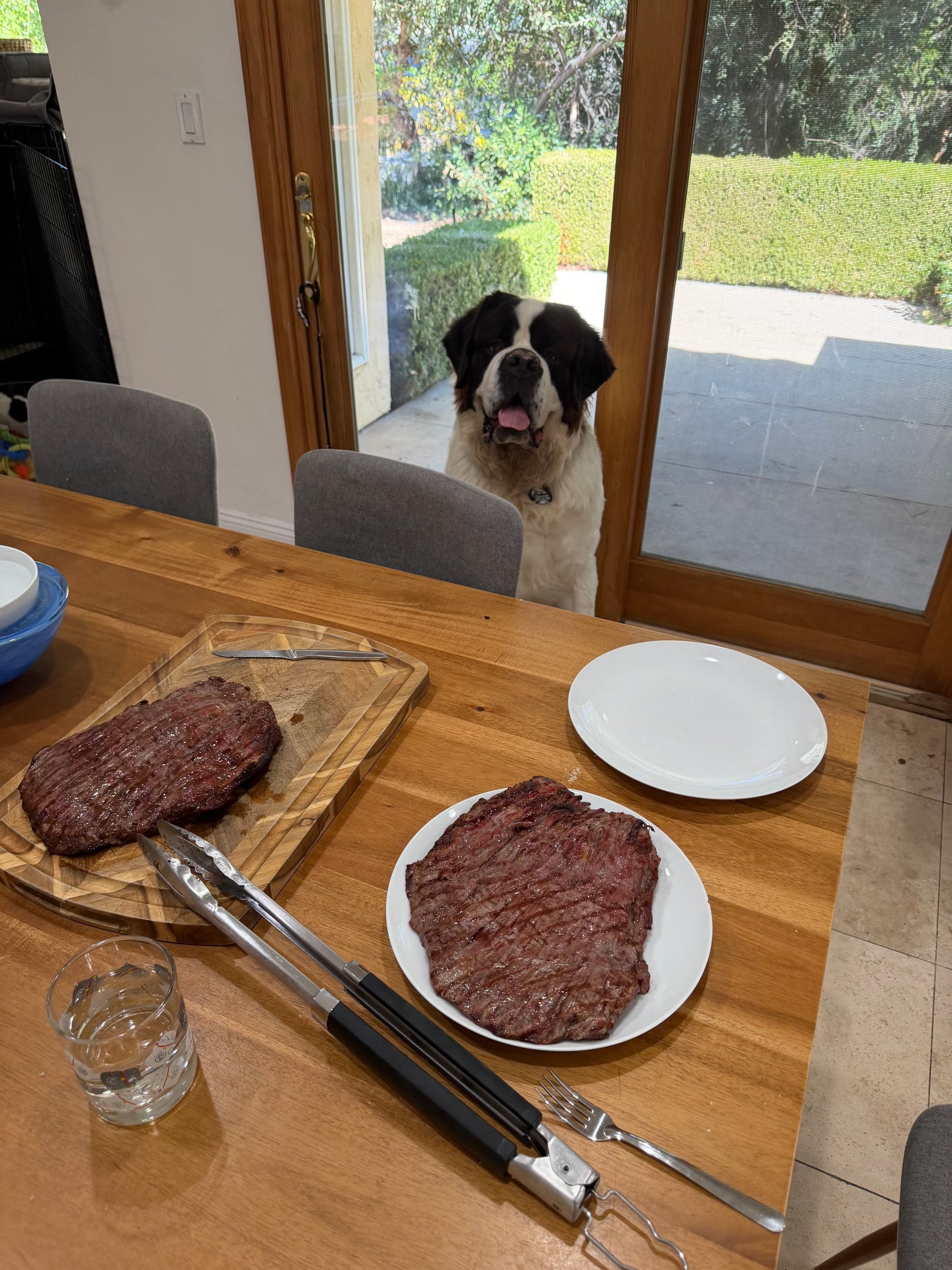
Here’s a quick photo of Magnus patiently waiting for lunch yesterday. He needs another bath again!