What Actually Happens When You Connect Your Firm’s Files to Claude
TL;DR: Connecting Claude to your Dropbox, Google Drive, or SharePoint is not one feature, and it does not mean Claude has read everything. Claude visits your files when you ask, reads what it needs, and keeps nothing afterward. Your documents stay where they are. That live-retrieval model is a sensible fit for privileged material, and it only ever sees what the person using it is already allowed to see, so it lines up with the walls you already have. What it can’t do is read all 80,000 of your documents at once and reason across them. That’s still a real project, not a prompt. Here’s how it works, and where the edges are.
I get a version of this question in almost every training. Someone, usually the managing partner or whoever got handed “the AI project,” asks whether we can just point Claude at the firm’s document system and let it read everything. Point it at NetDocuments, or the SharePoint site with fourteen years of matters in it. Then ask it anything.
Fair question. And the answer is more useful than a flat yes or no, because “connect” is doing a lot of quiet work in that sentence.
The reason I’m writing about this tonight is this exact situation came up this week in a session with a client where we were setting up Claude and connections to Dropbox and then adding it to a shared Team project. We were discussing “what can it see?” and “how does it really work?”
What “connecting” actually does
When you connect Claude to a file service, you get two different things, and it helps to keep them straight.
The first is live search. You ask a question, Claude runs a search against your Dropbox or Drive, gets back the files that match, opens the relevant ones, and answers. It’s using the storage service’s own search under the hood, the same index that powers the search box you already use in Dropbox or Drive. Claude isn’t quietly copying your whole account to sift through it. It hands over a query, gets pointed at the right files, reads those, and it’s done. Nothing stays behind.
The second is pinning a document into a project. You attach a Google Doc to a Claude project, and from then on every chat in that project works off the current version. Edit the doc, and Claude sees the edit. That one is Google-Drive-specific, and I’ll come back to it.
Notice what’s missing from both. Claude never makes a copy of your files and parks it on its own servers to index ahead of time. It reads live and lets go. Hold that thought, because the other big AI tool does exactly the opposite, and that difference is the whole reason I’m splitting this into two articles instead of one.
Why the live model suits a firm
Here’s what I want partners to actually hear. The retrieval model is careful in the way you’d want it to be with client material. Your files never leave your systems, and Claude doesn’t keep a copy. When it needs something, it reaches in and reads it, then lets go.
And it inherits your permissions. If an associate can’t open a matter folder, Claude can’t read it for them either. That isn’t a setting you configure. It’s baked into how the connection works, and it lines up with the walls you already enforce. When you’ve got a conflict screen standing between two matters, the screen carries through. Claude sees exactly what that person is allowed to see, and nothing past it.
For firms that have been jumpy about AI touching privileged files, that should lower the temperature. Not replace the diligence. Lower the temperature.
The three connectors are not the same
If you’re deciding which service to standardize on, the connectors have different personalities, and it’s worth thirty seconds.
Google Drive is the strongest at reading. Docs, Sheets, Slides, PDFs, Word and Excel files, even images. It’s also the only one of the three that can pin a document into a project and keep it live-synced, so if you want Claude working from an always-current reference doc, Drive is the one that does it. The catch is it’s built for reading and creating, not housekeeping. It won’t move or delete files for you.
Dropbox is the opposite temperament. It’s the real file manager of the group. Claude can search it, read from it, and also move, copy, rename, create folders, and generate share links. If your workflow is “find this, then reorganize that,” Dropbox actually does the second half. It reads one file at a time, capped around five megabytes, which becomes relevant the day someone aims it at a giant scanned PDF.
SharePoint is the fussy one, and I’d rather you know that going in. It reads through Microsoft’s back end, which surprises people in a couple of ways. You can’t paste a SharePoint share link and expect Claude to read the file, because that link hands back the viewer page, not the document. You can’t narrow it to one or two specific sites either. It searches across everything the person already has access to, all or nothing. Writing back to SharePoint is possible but switched off by default and gated behind an admin. And it needs a proper work Microsoft account plus IT sign-off before anyone can connect at all. None of that is a dealbreaker. It’s just more setup and more corners than the other two.
The part the demo skipped
This is the one I most want to land, because the sales motion skates right over it. None of this lets Claude read your whole archive and reason across all of it.
Search can reach across your entire store, because the storage service’s index handles that part. But answering is a different job from searching. To actually analyze a document, Claude has to pull it into the conversation and read it, and it does that a file at a time, with firm ceilings on size and on how much it can hold at once. So “find the indemnification language across these five matters” works nicely. “Read all forty thousand documents and flag every place we’ve ever taken an inconsistent position” does not. Not in the chat window. That’s still a genuine engineering project with the right tooling behind it, not something you fire off before lunch.
I’d rather you hear that from me now than find out in front of a client.
The limit worth planning around
One more thing that catches teams out. Connectors only work inside your own private projects. You can’t wire a shared drive into a team project and have the whole group pull from it through the connector. Each person connects their own account, authenticates as themselves, and sees only their own permitted files. That’s exactly right from a permissions standpoint, but it means you can’t stand up one shared, connected knowledge base for the firm out of a connector. If that’s the picture in your head, adjust it now.
Claude’s Research feature does raise the ceiling on effort. Point it at your connected files plus the web, and it’ll work through many sources over several minutes and hand back a cited report you can check line by line. It’s still reading documents one at a time under the same caps. It’s just far more thorough about it, and built for a real work product rather than a quick answer.
What to do Monday
Start small, and start deliberate. Here’s where I’d point you first.
Decide the firm’s posture before you connect anything: which service you’ll standardize on, and whether Research and connectors are cleared for real client matters or only internal work to start. Write it down.
Test that the permission model actually mirrors your walls. One associate, one matter they shouldn’t see, and confirm Claude comes back empty. Trust it after you’ve watched it, not before.
Pilot on one low-sensitivity practice area or your own internal knowledge, and watch how search, syncing, and the file caps behave before anything sensitive goes near it.
Three steps. None of them needs a technologist. All of them are leadership calls.
The good news is that Claude’s model is the cautious one. Your files stay put, and it only ever sees what the person in front of it can already see. The part to keep straight is what it’s for. Precise retrieval and drafting, not a machine that has quietly read your whole firm. Get that difference clear before you promise anyone the second thing.
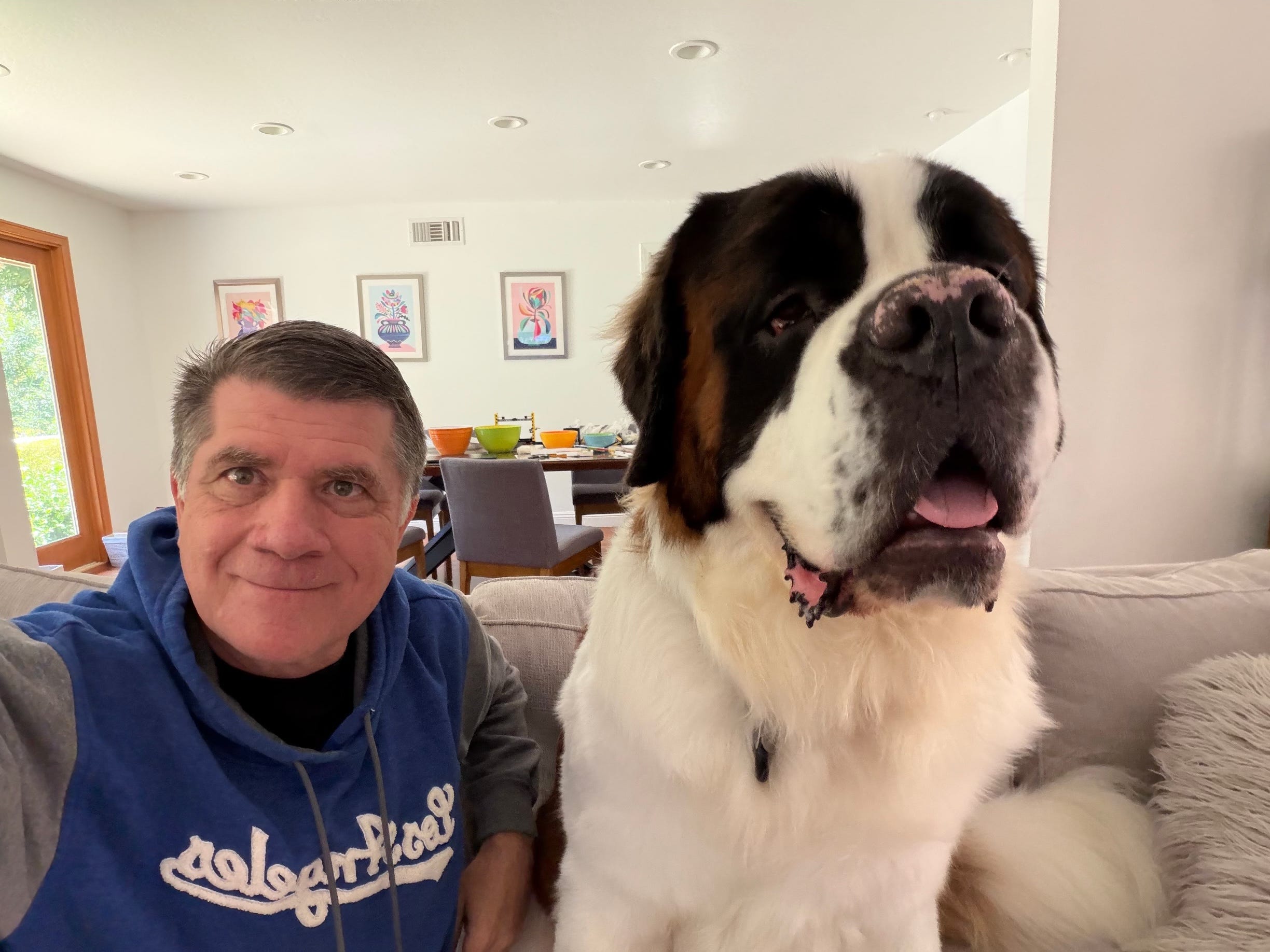
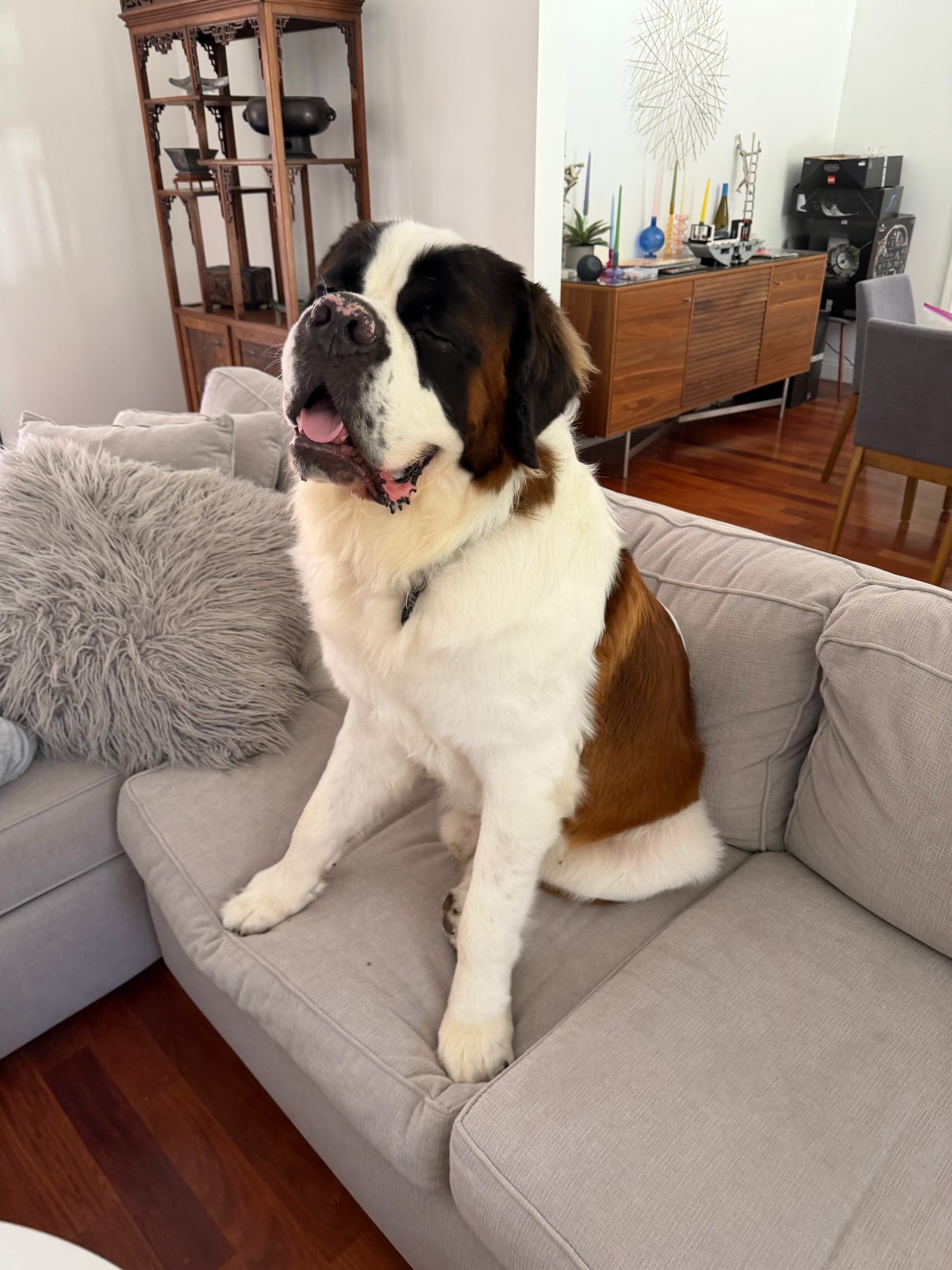
I want to add a personal note to the bottom of this and start by genuinely saying “Thank You” to all of you reading this. I really appreciate you reading it, sharing comments, and sharing articles with others. I love writing and teaching people about AI. Long time readers know I used to share a lot of photos of Ollie (my first St. Bernard who unfortunately passed from cancer at too young an age). Many of you also know that I have a “new” St. Bernard, Magnus, who is now about 21 months old (and weighs in at 165 pounds!). I figured it was time to rekindle of the old tradition and I’ll start sharing a few photos of him (every day is a new adventure!).
I love watching the World Cup - and Magnus has been a constant companion as I watch and cheer and shout as the games go on. Here’s two photos to start from our watching the Argentina vs England game. I hope you enjoy. )