


Claude and ChatGPT Both Added an In-App Browser. Only One Lives Where Lawyers Work.
TL;DR: In one week this month, Anthropic and OpenAI both put a web browser inside their desktop apps. The headline is the same. The placement is not. OpenAI put its browser in the mainstream ChatGPT app, wired to its new ChatGPT Work agent, which is exactly where a non-technical attorney will spend time. Anthropic put its browser inside Claude Code, the developer tab most lawyers will never open. For a firm, that one difference decides which tool your people can actually use, and then which risks you have to manage.
Here’s the question a managing partner should ask first. Not “which browser is better.” Ask which one your attorneys will ever touch.
Because a capability nobody opens is worth nothing.
Both companies shipped in the same week. Anthropic added a browser pane inside Claude Code on July 10. The day before, OpenAI said it’s retiring its standalone Atlas browser and folding web browsing into the ChatGPT desktop app, plus a Chrome extension. Same headline: the browser now lives in the app. But read where each one put it, and the story splits in two.
Where each browser actually lives
OpenAI put its browser in the room where the work happens. The new ChatGPT desktop app carries three things in one place: regular chat, ChatGPT Work, and Codex. ChatGPT Work is the new agent that takes a goal, gathers what it needs across your files and the open web, and hands back finished work, a spreadsheet or a drafted memo, not just an answer in a chat window. The browser is part of that same surface. It logs into your accounts, downloads files, and opens tabs. A second browser running on OpenAI’s servers can go finish a task while you do something else. An associate drafting a memo, a partner running a background check, they’re already in this app. The browser is right there with them.
Anthropic put its browser somewhere else. The Claude desktop app has three tabs: Chat, Cowork, and Code. The new browser pane lives in Code, the software-development tab. It’s built for a developer writing an app who wants to preview it and click through it without leaving the coding window. It’s a good tool. It is also a tool a litigator is never going to open. Most attorneys will not spend a minute in a coding environment, which means the browser sitting inside it may as well not exist for them.
That’s the whole ballgame.
Why this is the point, not a footnote
Think about how an attorney actually works. They live in a chat window and a word processor. They ask a question, they get a draft, they check a source, they revise. The tool that wins is the one that sits inside that loop. ChatGPT’s browser does. It’s stitched to an agent that produces the exact work product a lawyer needs, in an app a lawyer already has open. Claude’s new browser is stitched to a compiler.
There’s a fair counterpoint, and I’ll give it to you straight. Anthropic isn’t absent from browsing for non-coders. It has a separate Chrome extension, Claude in Chrome, and a Cowork tab built for agentic work that isn’t code. So this isn’t “Claude can’t browse.” The point is narrower and sharper than that. The browser Anthropic just shipped, the sandboxed one built into the app, is parked in the one tab your attorneys won’t use. Its safest, most locked-down browsing lives where they’ll never reach it.
So when both companies say “we put a browser in the desktop app,” hear the difference. OpenAI put it where lawyers work. Anthropic put it where engineers work.
Three ways a firm will actually use this
Start with the one attorneys will reach for first: research that lives behind logins and paywalls. Say you’re working a contested custody matter and you need everything on the other parent. Or you’re a valuation shop running diligence on a target. The business filings, the county property records, the local news archive, the paid databases you already subscribe to. Ask ChatGPT Work to go get it, and it logs into those accounts, opens a stack of tabs, and hands back a sourced summary while you keep drafting. This is the job the in-workflow browser was built for.
Then there’s the one that can save a license: checking your own citations before they leave the building. Every few weeks another lawyer gets sanctioned because an AI invented a case and nobody read the cite. Point an in-workflow browser at the actual opinion on the court’s own site, or the statute on the legislature’s site, and have it read the source next to your draft and flag every place the citation doesn’t say what your brief claims. Those are public pages, so any of the mainstream tools can do it. Call it the cheapest malpractice insurance you’ll buy all year.
And the sleeper: watching the corners of the courts-and-agencies web that never got a clean data feed. Docket pages, e-filing portals, licensing boards, county recorder sites. The agency rule page that changed overnight and never sent a notice. Set an agent to check them on a schedule, sign in where it has to, pull down whatever’s new, and flag what moved. Half the work of a small firm is noticing a filing three days before the other side does. This does the noticing.
The catch that comes with the convenience
Everything that makes ChatGPT’s browser useful, that it sits in the workflow, logs in as you, and acts on your behalf, is also what makes it risky. The risk has a dull name: prompt injection. It’s the top security problem for AI agents right now. Someone hides an instruction on a webpage, or inside a PDF you download, or in an email the agent reads, and the agent follows it as if you’d typed it, approving a payment or forwarding a file it had no business touching. OpenAI’s own security leadership has said, out loud, that this may never be fully solved. Anthropic’s researchers say the same about browsing in general: it widens the attack surface enormously, because anything on a page, right down to a hidden script, can carry a command.
Here’s the irony worth sitting with. The one browser in this story that’s locked down by design, a clean profile with no saved logins and a permission check before it acts, is Claude’s, the one in the coding tab your attorneys won’t open. The browser they will use is the more open one. So the guardrails can’t come from the tool. They have to come from you.
And the quiet risk underneath all of it. On a personal consumer login, your prompts and what the agent reads can be kept and used to train the model (unless you turn training off which I strongly recommend!). On commercial or enterprise terms, you get no-training treatment and retention controls you set. For anything covered by privilege, that isn’t fine print. That’s the line between a tool you can defend to a client and one you can’t.
What to do Monday
Keep it simple, and do it in this order.
Point your people at the surface they’ll actually use, on the right terms. For most attorneys that means ChatGPT Work or a browser extension, on a commercial or enterprise tier with no training on your data. Not a personal login, and not a coding tool they’ll never open.
Keep a human on anything that acts. Turn on site allowlists where you have them, require sign-off before the agent buys, sends, pays, or opens an account, and never let it run on a client matter unwatched.
Pilot on public pages first. Pull a docket, check a citation. Earn some trust before you hand an agent your logins.
Pick the tool your lawyers will open, then decide, on purpose, what it’s allowed to touch. A browser they never open can’t help them. And one that acts for them unwatched can do real damage. The whole job is landing in between.
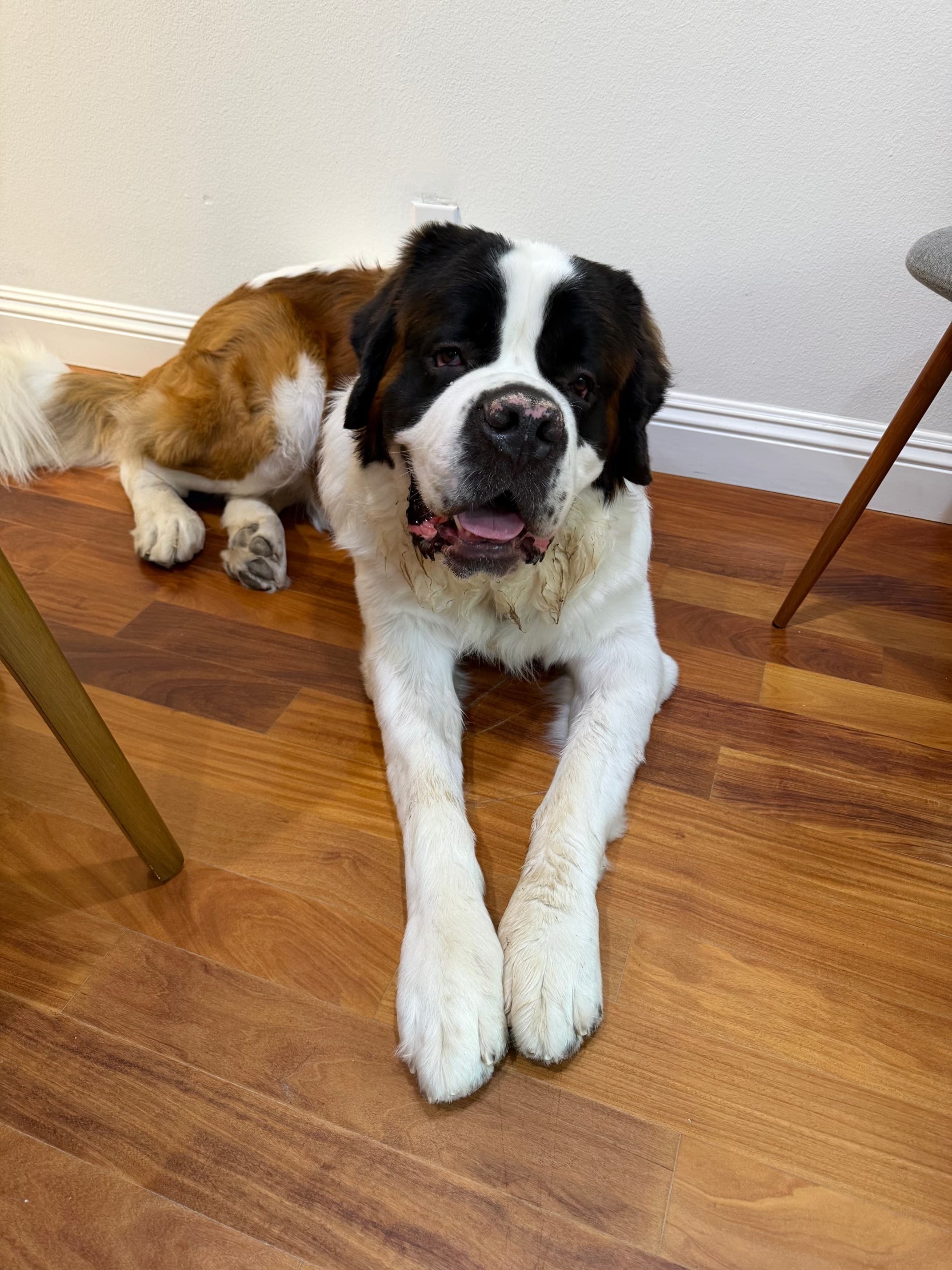
Two quick shots of Magnus. First one is him waiting patiently to go for a walk and the second one is us crossing the street to get back on the awesome gravel horse trails that are all around our neighborhood.

The require-human-approval step is the one I find interesting. Because approval decays. Week one people read the confirmations, week three they click through them like cookie banners, I do it with my own agent and I'm supposedly the careful one. So the accessible browser doesn't just carry more injection risk, it gets a firm to the glazed-over-approvals stage faster too.