

Claude Cowork: When AI Stops Answering Questions and Starts Doing the Work
TL;DR: Claude Cowork is Anthropic’s desktop tool that gives AI access to your actual files, lets it run code, and produces real deliverables: Word docs, Excel spreadsheets, and PowerPoint decks. Not a chatbot. More like a capable junior analyst sitting inside your computer. I walked a client through it this week, and the room went quiet in that way where you can tell people are rethinking their afternoon.
You’ve Been Texting a Smart Friend. This Is Different.
Here’s the moment I keep seeing. Someone opens Claude, pastes in a chunk of text, gets a decent answer, and says, “That’s pretty good.” Then they close the tab and go back to the actual work. Reformatting a spreadsheet. Assembling a report from six different files. Cleaning up a data export that looks like it was entered by interns during a fire drill. Merging three versions of a policy document because three teams all decided to edit it at the same time.
The AI helped them think. But the doing? Still on them.
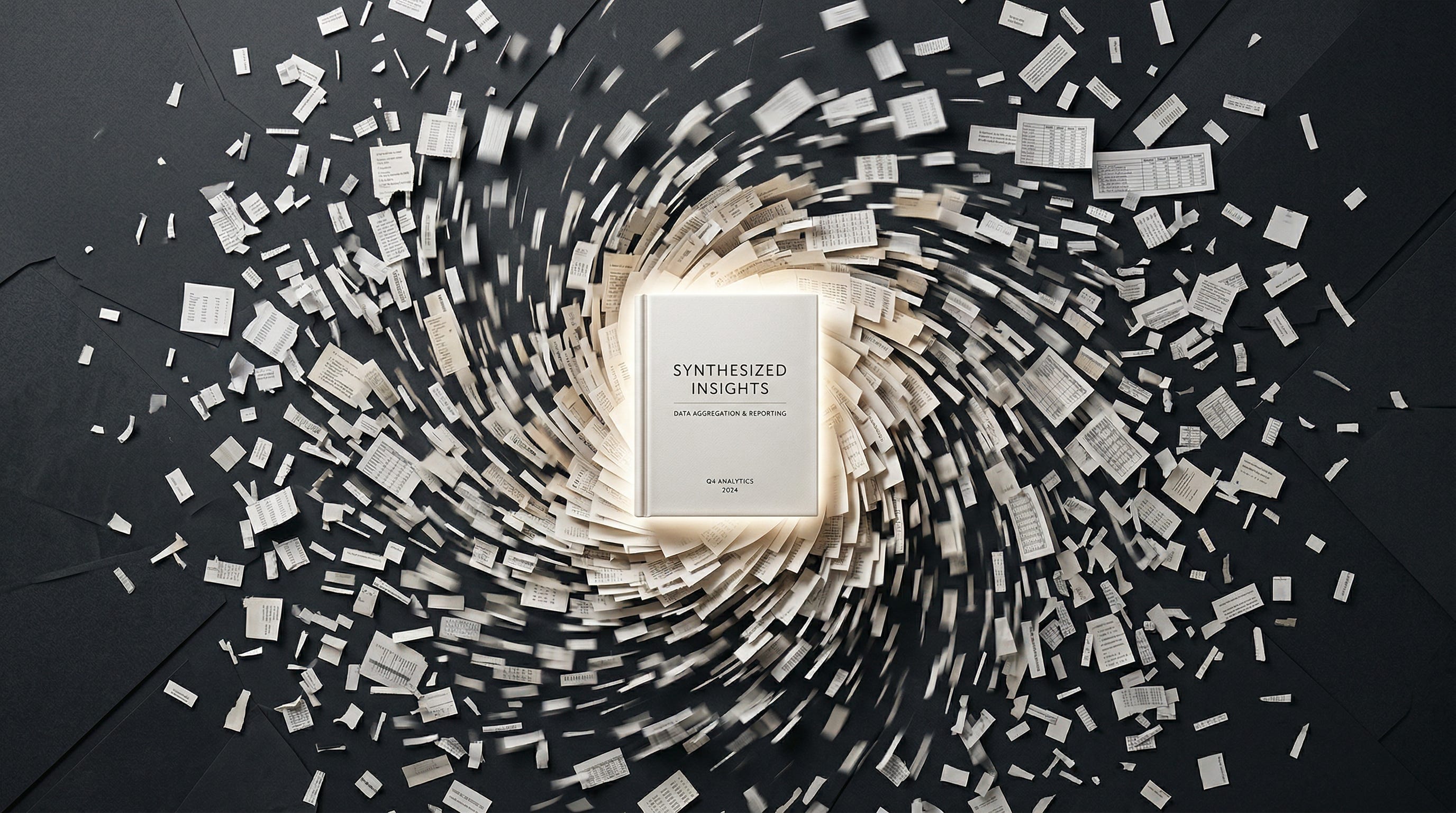
Cowork changes that equation. You point Claude at a folder on your computer and say, “Here are six months of claims data. Analyze the trends, flag anything weird, and give me a Word doc I can hand to leadership.” And it does. Not a summary in a chat bubble. An actual formatted document, headers, tables, and callouts, saved to your drive.
I showed this to a client’s leadership team this week. Nobody said, “that’s pretty good.” They just sat there doing math in their heads about how many hours a week this saves.
So What Is It, Exactly?
Think about what’s always been missing from AI chat tools. You could paste something in and get smart text back, but Claude couldn’t see your files. Couldn’t run anything. Couldn’t produce a document you’d actually hand to someone.
Claude Cowork fixes all three at once. It reads and writes real files on your machine. It runs Python, Node, and shell scripts in a sandbox (you don’t need to know what any of that means, it just works). And it has built-in skills for creating Word docs, Excel files, PowerPoint decks, and PDFs. Not the kind of generic output you’d get from a chat window. Formatted, structured, ready-to-use files.
It lives inside the Claude Desktop app. No terminal, no command line, nothing scary. You pick a folder, describe what you need, and let it go.
Anthropic launched it as a research preview back in January, initially just for Max subscribers at $100 or $200 a month. It’s now on Pro plans too, which is $20 a month. And here’s a number worth knowing: Bloomberg reported this week that Cowork adoption in its first few weeks has already outpaced Claude Code’s early traction. That matters because Claude Code was arguably the breakout AI product of 2025.
The analogy I keep coming back to with clients: using Claude.ai chat is like texting a smart friend. Cowork is like handing a project to a teammate and going to lunch.
What I Actually Showed a Client This Week
I don’t love talking about tools in the abstract. So I built a presentation around real use cases for a client session and walked their leadership team through live demos. Here’s what landed.
The biggest reaction came from the simplest demo. I dropped six months of CSV data into a folder and told Cowork to find trends, flag anomalies, and produce an executive summary as a Word document. It read every file, ran the numbers, built tables, and saved out a formatted report. The kind of work that takes an analyst the better part of a day. Maybe five minutes.
Then I got more ambitious. I handed it a raw Excel file with quarterly financials across four sheets and asked for a board-ready PowerPoint with charts and speaker notes. It delivered a solid first draft, maybe 70-80% of the way there. Honestly, that’s about what you’d get from a good junior analyst on their first pass anyway. You’re still going to review and polish. But the assembly work, the part that eats the afternoon? Gone.
The demo that got the most questions was document reconciliation. Three teams had independently edited the same policy. Marketing created the first draft. Legal added restrictions. Product expanded benefits. Nobody talked to each other. (Sound familiar?) Cowork read all three versions, mapped every difference, flagged where the edits actually conflicted, and produced a reconciled final draft with a decision log explaining each choice. I’ve watched people spend entire days on exactly this kind of thing. Ten minutes.
I also showed parallel research, in which Cowork spins up sub-agents to investigate different topics simultaneously and then compiles everything into one report. And data cleanup, which is maybe the least exciting demo but honestly one of the most useful: messy partner exports with inconsistent formatting, duplicate entries, phone numbers in four different styles. Cowork standardized everything and produced a quality report documenting every change it made. Not glamorous. But if you’ve ever inherited a spreadsheet that made you question your career choices, you understand the value.
The pattern across all of these is the same. You describe what you want. You get a real file back. Not a chat answer. A deliverable.
The Features That Hint at Where This Goes Next
Two newer capabilities showed up in my presentation that are worth flagging separately, because they point toward something bigger.
Dispatch lets you assign a task to Cowork remotely and walk away. Kick off a data analysis from your phone over coffee. Come back to the results at your desk. That’s a real shift. Most people still think of AI as something you sit and watch, like waiting for a search engine to load. Dispatch is more like emailing a request to an analyst on your team. You don’t stand behind their chair.
Then there’s Scheduled tasks. Set up a recurring task on a schedule, a weekly data pull that runs every Monday morning, a daily dashboard refresh, or monthly report that aggregates inputs from different sources. This is early. Anthropic is still building it out. But the idea of AI handling your recurring busywork without you even asking? That’s the part that makes managers lean forward.
The Add-Ins Nobody’s Talking About
Here’s a piece that’s been flying under the radar. Claude now sits directly inside Excel and PowerPoint as add-ins. In Excel, you describe a formula in plain English and it generates it. Point it at a data set and ask it to spot patterns. In PowerPoint, you can generate slides, rewrite content, create speaker notes, adjust layouts, all without leaving the app.
I bring this up because it solves the problem I hear most often from firm leaders: “My people don’t want to learn another tool.” Fair enough. The add-ins mean they don’t have to. Claude just shows up inside the software they already have open eight hours a day. That’s how adoption actually happens. Not by asking people to change their workflow, but by making their existing workflow smarter.
What It Can’t Do Yet
I lead with limitations in every client presentation. Always. It builds trust, and it saves you a painful conversation later.
Cowork is still a research preview. Improving fast, but not finished. Files save to your local drive, so you’re manually uploading to Google Drive or SharePoint for now. And the quality of what comes out is still heavily dependent on how well you describe what you want going in. Garbage prompt, garbage output. That hasn’t changed.
But none of that is a reason to sit on the sidelines. It’s a reason to start small and learn the tool before your competitors do.
What to Do Monday Morning
Download the Claude Desktop app and try Cowork on one real task this week. Something low-stakes: a data cleanup, a report draft, a document comparison. Get your hands on it.
Walk through your team’s week and identify the three most tedious, document-heavy recurring tasks. Those are your first Cowork candidates.
Install the Excel and PowerPoint add-ins and let a few people on your team discover Claude where they already work.
Set expectations honestly. This is a capable teammate, not a magic wand. Review the output the same way you’d review work from a sharp but new hire.
Keep watching. Cowork is evolving weekly. What it can’t do today will probably be a feature next month.
The Real Shift
For two years, the AI conversation in most organizations has been about getting better at asking questions. Better prompts. Better ways to squeeze information out of a chat window.
Cowork moves the conversation to a completely different place. It’s not about asking anymore. It’s about assigning. Handing off the work that eats your Tuesday afternoon and getting back something you can actually use.
Most firms haven’t made that jump yet. But the gap is closing faster than people think.
If you read this far, you’re not wondering whether AI is useful. You’re trying to figure out when the gap between what your team does manually and what a tool can handle becomes a problem you can’t ignore anymore.
That’s the conversation I have every day with firm leaders who are past the hype and into the operational questions. If you’re working through where something like this fits, or whether it fits at all, send me a note at steve@intelligencebyintent.com. Tell me what’s eating your team’s time. I’ll tell you what’s ready today and what’s still a few months out. No pitch, just a straight answer.