

Why Multimodal Is The Next Big Shift (And Why Gemini Might Be Out In Front)
TL;DR: The game is moving from “smart autocomplete for text” to models that can look at your screens, documents, images, and videos, then actually do useful work across all of it. Google bet hard on that world. With Gemini 3 Pro, you can see the bet starting to pay off, and I think that advantage grows over the next few years, not shrinks.
Let me start with a simple moment.
I was testing Gemini with a real business problem, not a demo. I dragged in a long, ugly PDF, a couple of screenshots from a product dashboard, and asked it a question that would normally require a human analyst:
“Given all this, what is actually going wrong with this program, and where would you start fixing it?”
And it answered in a way that felt uncomfortably close to how a smart colleague would think. It pulled numbers from the charts, quoted text in the footnotes, connected that to what was visible on the screenshots, and then gave me two very specific hypotheses to go test.
No prompt magic. No elaborate system messages. Just, “Here is the mess, tell me what you see.”
That is the moment I went, “Ok, this is different.”
Text-only AI was a useful phase, but it is not the end of the story
Most of what people still do with AI at work is text in, text out.
Draft an email. Summarize a report. Write a social post. Clean up notes from a call.
Helpful, yes. But that is the shallow end of the pool.
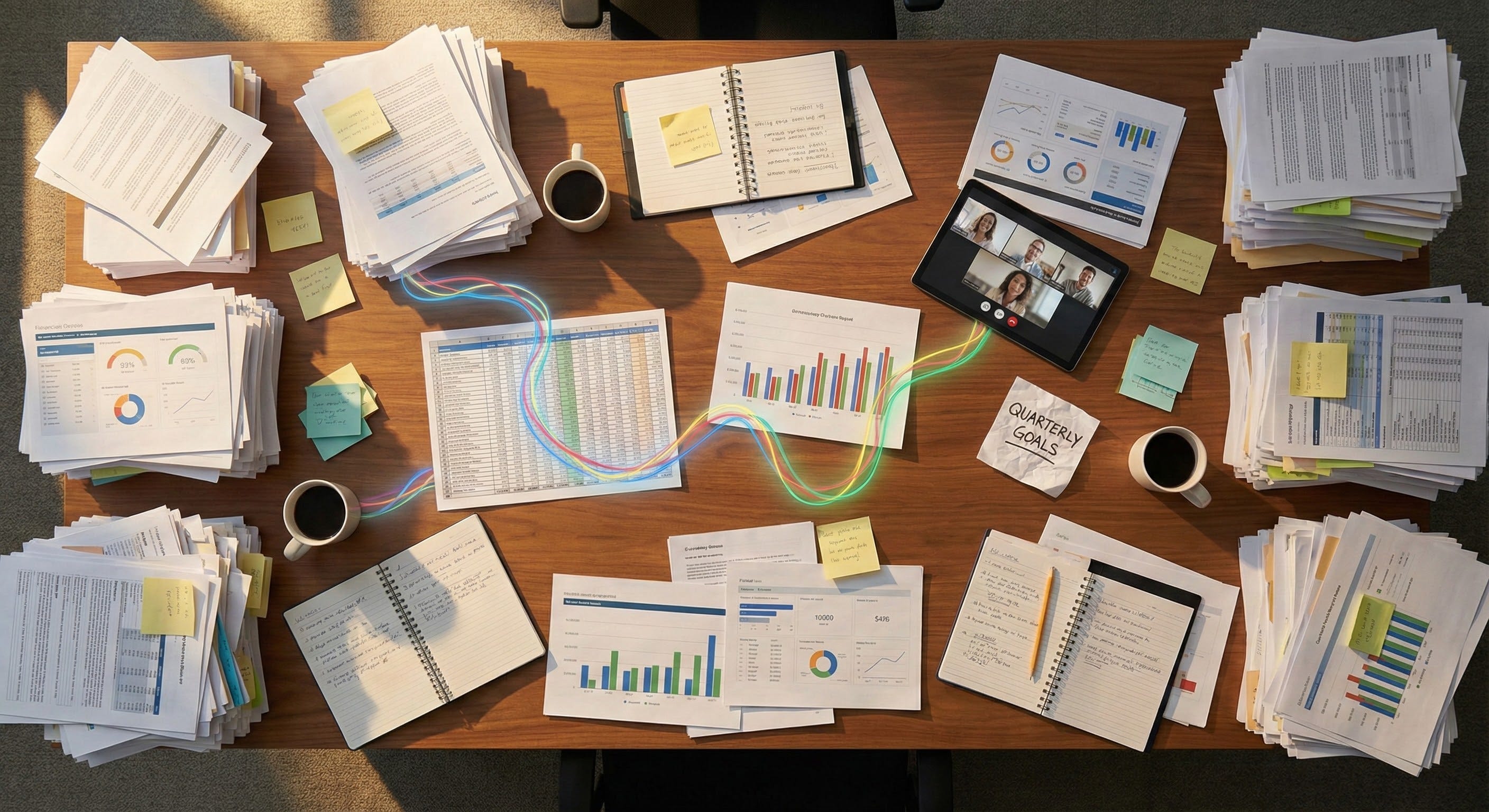
Your real work does not live in one clean text box. It lives in:
PDFs from vendors and regulators
Dashboards and screenshots
PowerPoint decks, most of them a little chaotic
Spreadsheets, usually with too many tabs
Meeting recordings and training videos
If the model only “sees” whatever you typed into the chat window, it is missing most of the picture. That is why people hit the ceiling so fast. They get the “wow” effect for a week, then they are back in their old tools doing the hard parts themselves.
Multimodal changes that. It lets the model look at the work as it actually exists today, not as a cleaned up text summary.
What multimodal actually feels like when you use it
The easiest way to explain this is to walk through a few concrete use cases I keep seeing with Gemini.
Take documents. Gemini 3 Pro does not just strip the text out of a PDF. It can reconstruct the document structure - headers, tables, charts, math, layout - and then reason over it as if it is looking at the actual pages. If you ask, “Which product lines are dragging down margin, and where do you see that,” it does not guess. It points you at specific rows in a table and the matching chart later in the appendix.
Or screens. You can hand it a screenshot of a messy internal tool and say, “What does this app do, and how would a new rep learn to use it?” It can read the buttons, the labels, the graphs, and give you a decent onboarding script. That is not science fiction. That is here.
Video is the same story. A five minute clip of a call center interaction can turn into, “What went wrong in this conversation, and what should the rep have done differently?” It can mark the time stamps where the tone shifted, where the customer went quiet, where a policy was mis-stated.
Once you see it, text-only starts to feel like driving with one eye closed.
Why Google, specifically, is so well positioned for this shift
This is where the story gets interesting.
You could imagine a world where any lab wins here. OpenAI, Anthropic, xAI, whoever. And I still think we end up with multiple very strong players.
But multimodal is secretly a “where does the work live” question. And a lot of the raw material lives with Google.
Docs, Sheets, Slides, Gmail, Drive.
Chrome and Android for screens.
YouTube for video.
Gemini is now wired into all of that.
That means two things:
Google has access to a huge variety of real world patterns for training and evaluation. The way people actually design decks, lay out dashboards, annotate PDFs, structure emails. That matters a lot more than fancy synthetic benchmarks.
For your teams, Gemini shows up inside tools they already use, instead of as yet another separate thing they have to remember to open.
If you are in a Google Workspace shop, this is especially true. The AI is not off to the side. It is sitting on the right-hand panel while you are staring at the quarterly revenue deck or that awful 90 page contract.
And because Gemini 3 Pro is already very strong on the vision and video side, that advantage is not just theoretical. It is real right now.
“Ok, but is it really that far ahead?”
Short answer: in the areas that matter for seeing and reasoning across media, yes, it looks like it.
On the big public benchmarks that mix images, charts, text, math, and long questions, Gemini 3 Pro is scoring at or near the top. On some of the harder video tests, it is not just squeaking by. It is clearing the bar with room.
Does that mean it will never hallucinate? Of course not.
You will still get the occasional answer that sounds confident and is completely wrong. You still need checks. You still need workflow design. You still need humans in the loop.
But if you care about “given a big pile of mixed media, which model sees the structure the best and makes the fewest dumb mistakes,” Gemini is now very much in that conversation, and in many cases out in front.
The honest tradeoffs
I am bullish on Gemini, but I am not blind.
There are tradeoffs you should go in with eyes open:
Cost can sneak up on you if you throw giant videos and 200 page documents at it all day without thinking about design.
Vendor risk is real. You do not want to be in a place where one pricing change from Google blows up your unit economics.
Not every part of Google’s AI stack has the same privacy and compliance story. Workspace, AI Studio, Vertex, they are not identical. You have to match the tool to your risk profile.
So I am not saying, “Rip out everything and move to Gemini tomorrow.” I am saying, “You should probably test it seriously for the kinds of tasks where seeing actually matters.”
What to do Monday morning
Here is how I would approach this if you are the person in the room who has to make decisions, not just watch demo videos.
Pick one real multimodal problem. Something that already annoys your teams. For example, RFPs that combine dense PDFs and spreadsheets, or weekly business reviews that mix slides, screenshots, and notes. Use that as your test case.
Run it through Gemini and one other top model. Same inputs, same questions. Do not polish the data first. See which one handles the mess better. Save the transcripts. Share them with the actual people who own that process and ask, “Would this help you?”
Decide on a “home base” for experiments. If you are heavy on Google already, that might be Workspace or Vertex. If not, you might still use AI Studio as a playground, even if your main stack lives somewhere else. The key is to pick one and stick with it long enough to learn.
Loop in security and legal early. Do a short live demo with your actual docs and screens so they can see what is happening with data, not just read a policy page. Let them ask hard questions now instead of three weeks before your launch.
Tell one simple story to your leadership team. Not a deck with 40 slides. One before-and-after example that shows, “Here is what this used to take, here is what it looks like with a multimodal agent in the mix, here is the time or money difference.” People remember that.
The big shift here is not “Gemini has a higher score than Model X.”
The shift is that your AI coworker no longer lives in a tiny text box off to the side of your work. It can sit inside the work itself and actually see what you see.
Google bet early that this would be the future. With Gemini 3 Pro, you can feel that bet starting to land.
And if you are running a team or a company, it is probably time to find out what that feels like in your world, with your mess, not just in Google’s demos.
I write these pieces for one reason. Most leaders do not need another debate about which model scores highest on a benchmark; they need someone who will sit next to them, look at where their teams are still manually stitching together PDFs and dashboards and call recordings, and say, “Here is where a multimodal agent actually belongs, here is where your current tools and people should still lead, and here is how we keep all of it safe, compliant, and under control.”
If you want help sorting that out for your company, reply to this or email me at steve@intelligencebyintent.com. Tell me what kind of documents and screens pile up in your workflows, where your teams are losing hours to that pile, and what you have already tried. I will tell you what I would test first, whether Gemini or something else makes more sense for that specific problem, and whether it even makes sense for us to do anything beyond that first experiment.