

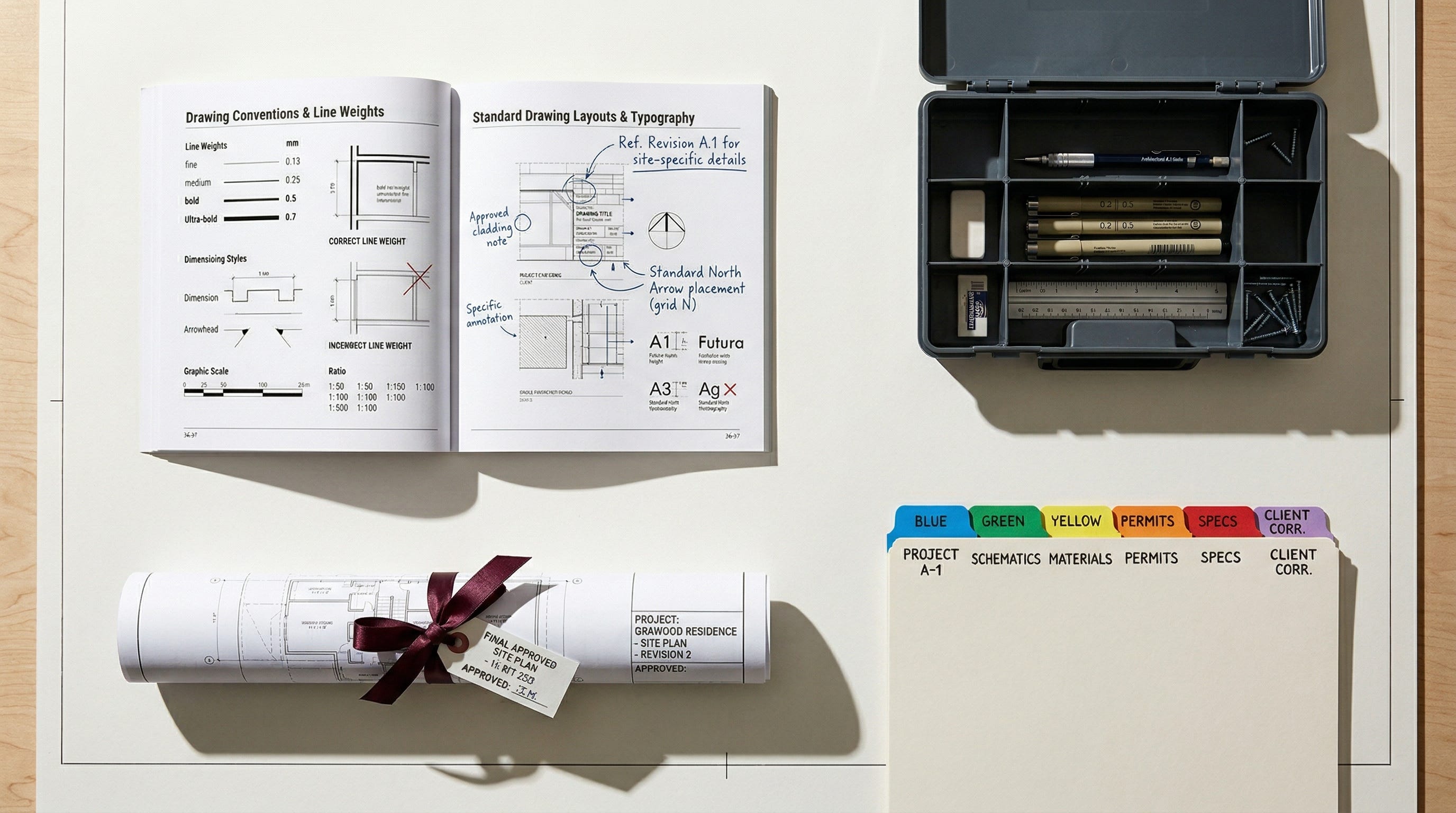
Image created by Nano Banana 2
Claude’s Building Blocks: Skills, Plugins, Projects, and Artifacts Explained
TL;DR: Claude has four building blocks and almost nobody can keep them straight. Skills teach it how you work. Plugins kit it out for a specific job. Projects keep matters separate. Artifacts are the things it actually produces. This post is the explanation I keep giving in person, written down so I can stop repeating myself.
I was presenting to a PE firm this morning when someone raised their hand and asked a question I’ve now gotten at least a dozen times this year: “What’s the difference between Skills, Plugins, Projects, and Artifacts in Claude? And when would I actually use each one?”
I’ll be honest, I paused for a second. Not because I don’t know the answer, but because the answer has about four layers to it and I was already 45 minutes into the session. So I gave the short version and promised I’d write it up properly.
This is that write-up. And while the question came from a PE firm, I’m aiming it at my usual audience: law firm leaders. Because I hear the exact same confusion every week. Managing partners hear these terms tossed around, nod politely, and move on. That’s a problem. Understanding these four pieces is the difference between your firm dabbling with AI and actually building it into how you work.
Think of Claude Like a First-Year Associate
Imagine you just hired a very smart first-year. Passed the bar. Can research, write, reason. But they don’t know your formatting conventions, your brief templates, how your practice group likes things organized. Day one, they’re capable but useless. You know the feeling.
Four things would make them productive fast. Those four things map directly to how Claude works.
Skills are the practice group memos you hand them. “Here’s how we format client memos. Here’s our citation convention. Here’s the checklist we run before anything goes out the door.” In Claude, a Skill is a set of reusable workflow instructions written in plain English. (Well, Markdown technically, but it reads like English. Your associates could write one.) Claude picks these up automatically when it sees a task that fits. You don’t have to remind it. It just fires. And it persists across every conversation, which is the part that actually matters. No more copy-pasting the same instructions into a new chat window every Monday morning.
Anthropic ships some built-in Skills for document creation and common stuff. There’s a growing partner directory with Notion, Figma, Atlassian, others. But the real power is custom. I’ve built Skills for how I write blog posts, how I format client deliverables, how I structure training materials. A litigation group could build one that enforces their motion formatting. Transactional team could have one that always structures DD summaries with the same section headings. You set them up once and forget about them. They just work.
Plugins Are a Bigger Deal Than They Sound
So if a Skill is a single recipe card, a Plugin is the entire cookbook plus the kitchen tools. Plugins bundle a bunch of Skills together with MCP connectors (the protocol that lets Claude talk to your other software), slash commands, and even sub-agents into one installable package.
The legal Plugin is the one that should get your attention. It doesn’t just draft contracts. It can review them clause by clause against your firm’s playbook, triage NDAs, check consistency across documents, and format things the way a firm expects. Install it and Claude basically shows up already knowing how a law practice runs. That’s the pitch anyway. From what I’ve seen it mostly delivers, though you’ll still want to check its work. (You’d check a first-year’s work too.)
Anthropic open-sourced 11 of these at launch in January 2026, since expanded to 15, covering sales, legal, marketing, finance, support, product, and more. There’s a marketplace now too, launched February 2026. And teams can build custom ones. Think about what that means. You could package your firm’s research protocols, document review process, intake templates, and DMS connectors into a single Plugin. New associate joins, installs it, and Claude already knows the house style before they’ve finished orientation.
I keep coming back to that image. A junior lawyer who shows up already knowing your systems. That’s what a well-built Plugin does.
Projects: The One Lawyers Should Care About Most
Actually, let me back up. If you only pay attention to one section of this post, make it this one.
A Project is a dedicated workspace that walls off context, files, and conversation history to a specific matter or body of work. (Anthropic’s newer Cowork product takes this further with local file access, scheduled tasks, and persistent memory, but most law firms are working in the web app today, so I’ll keep the focus there.) Without Projects, everything bleeds together. Your research for the Smith matter starts picking up context from the Jones deal you were noodling on an hour ago. I’ve seen this happen live in demos. It’s not just annoying. For a law firm, it’s a confidentiality problem. Full stop.
Projects fix that. Each one is walled off. Files stay there. History stays there. Skills you attach stay relevant to that project only. Think of it like an ethical wall, but for your AI. Open a Project for a client matter, Claude knows what you’re working on. Close it, nothing leaks to the next one.
For firms on Team or Enterprise plans, there are permissions now too. You set who can use the project and who can edit it. Two tiers, not granular, but it’s a start. And it matters when you’ve got associates, partners, and paralegals who shouldn’t all have the same level of access. If your firm has been hand-wringing about information barriers and AI, this is a big chunk of the answer. Not the whole answer. But a big chunk.
Artifacts: The Part Everyone Forgets About
This might actually be the most useful feature of the four on a day-to-day basis, and it’s the one people forget to mention.
An Artifact is whatever Claude produces for you. A document, a slide deck, a comparison chart, a spreadsheet, an interactive tool. Not just text in a chat window. Actual files. Working outputs. They show up in a panel next to your conversation where you can preview them, edit, download, and share via a link. On individual plans, the recipient doesn’t even need a Claude account. On Team and Enterprise plans, sharing stays within your organization, which is actually a feature if you’re a firm that cares about keeping work product contained. (You should be.)
I lean on Artifacts constantly. Client memo that needs to be a properly formatted Word doc? Artifact. Comparison of regulatory approaches across four jurisdictions in a table? Artifact. Interactive checklist a paralegal can actually click through during document review? Artifact. You describe what you need, Claude builds it, you see it immediately, and you iterate in conversation until it’s right. It’s closer to working with a designer or developer than chatting with a bot.
And the range of formats keeps expanding. PowerPoint decks, Word docs, PDFs, HTML pages, interactive data visualizations, even small web apps. For firms that have only been using AI as a first-draft writing tool, this is where it starts to get genuinely interesting.
Putting It Together
I’m not going to give you a tidy four-row table here, because I think those create a false sense of understanding. Instead let me just tell you how I’d think about it if I were running a practice group.
Skills are about consistency. You want Claude to always cite in Bluebook? Always include a conflicts reminder? Always use your memo format? That’s a Skill. Set it once. It follows Claude everywhere. This is how you take the stuff that lives in a partner’s head and make it part of how the AI operates.
Plugins are about capability. You want Claude to show up already knowing how your practice works, with all the right tools connected? That’s a Plugin. Your associates don’t have to figure out prompting. The Plugin already has Claude configured.
Projects are about separation. And honestly, for law firms, this might be the most important one. One Project per matter. Your work on the Anderson acquisition never touches the Baker litigation. Period. No cross-contamination. No uncomfortable conversations about what the AI “knew” from another engagement.
Artifacts are about output. Whenever you need Claude to produce something you can actually send to someone, hand to a client, or use in a meeting. That’s an Artifact. The memo, the brief, the deck, the tool.
Why Firm Leadership Should Pay Attention
I could give you the big-picture speech about AI changing law practice. But you’ve heard it. So let me keep this practical.
These four features, taken together, mean Claude isn’t a chatbot anymore. It’s closer to a configurable work environment. One that knows your firm’s standards, has practice-specific tools loaded, keeps client matters isolated, and produces actual deliverables.
That means your people spend less time on the parts of the job nobody went to law school for. Formatting. First drafts. Document organization. Template wrangling. And more time on judgment, counseling, strategy. The stuff clients actually pay for.
Start small. Pick one workflow that eats up associate time every week. Maybe it’s summarizing depo transcripts. Maybe it’s formatting closing checklists. Build a Skill for it. See what happens.
Then build another one.
If you read this far, you’re probably not the person who nods along when someone mentions AI and then moves on to the next agenda item. You’re the one sitting with a harder question: how to take a tool your people are already using casually and turn it into something the firm actually runs on.
That’s the conversation I have every day with firm leaders who are past the “should we” and deep into the “how exactly.” If that’s where you are, tell me what you’re working through at steve@intelligencebyintent.com. I’ll tell you what I’ve seen work, what hasn’t, and where I’d honestly hold off.
Great write up Stephen and you really explained this well. I was going to ask Claude this very question as new features pop up daily or hourly. This speaks to me as Outsourced General Counsel trying to wrangle all of these issues as a one man shop. The formatting skill strikes a sensitive chord as I get beyond frustrated with hyphens and other lazy devices that are also tell tale signs of AI use. I am building that skill from all the endless prompts shooting for that gold standard. I am very specific about how all my contracts look. Projects have been a god send. Not only for the reason you propose, but especially for tasks (including monitoring my daughter's homework and grades) because I no longer have to give manual approval or logins to get an automated report every evening. Persistent memory without bleed or hallucinations is huge. I have built trademark skills based on prior training of in-house junior counsel, so it is almost all automated up to the final review, signature and payment. Next I need a true native install for Word as that will improve it even more. I have noticed that installing PPT and XLS native plugins to the apps made Claude CoWork seem better equipped to do that and less python or none needed whereas it will fall back and waste time on Word docs still. What do you think about Computer use? I use Grok for a lot of research legal or otherwise and am working on connecting Grok and Claude this weekend. Should save copying and pasting at a minimum. Keep writing great articles and thanks again.