Wispr Flow for lawyers: better AI answers, and the privacy setup you need first
You open a chat with Claude. You have a client situation in your head with twenty pieces of background. You type four, because the other sixteen would eat ten minutes you don’t have. The answer comes back generic and you blame Opus.
The model was fine. You starved it.
I fixed that with a dictation app called Wispr Flow. Talking runs about three times faster than typing, so all twenty pieces make it into the prompt instead of four. Then comes the question every lawyer asks next, which is whether a cloud dictation tool has any business touching privileged material. It does, and the setup takes two settings, not one.
Context is the whole game
Output tracks input. Give a model the matter history, the other side’s position, what your client wants, and the two facts that make this one weird, and you get something usable. Give it a sentence and you get a search result with better grammar.
Typing is what stops most people. A Stanford study by Ruan and colleagues clocked speech input at about 161 words per minute against 53 for the keyboard, with a lower error rate for speech. Ordinary conversation runs near 150 words a minute. Most people type between 40 and 50.
When context costs twenty seconds instead of five minutes, you hand over all of it. Voice is the fastest interface we have for feeding these tools, which is why I count a dictation app among my AI tools.
What Wispr Flow is
Wispr Flow drops formatted text into whatever app you are in. Word, Outlook, your practice management system, the prompt box of any AI tool. Hold a key, talk, let go, and clean text appears. Mac, Windows, iOS, Android, over 100 languages. Pro runs $15 a month, or $12 billed annually.
I don’t normally name or endorse tools in this newsletter. That is deliberate. But I have used Flow nearly every day for just over a year, and I have spoken more than 100,000 words into it. At an average keyboard that is about 40 hours of typing. Spoken, it is closer to 11, and even after cleanup the gap is not close. So I am making an exception.
There is also no new workflow attached, which is the reason it survives contact with a law firm. Nobody has to learn a new place to do their work.
Attorneys can use it. The setup is what matters.
I ran a one-on-one training session with a partner this week. She had watched me dictate a few paragraphs of context into a prompt during a demo, and she asked the question I get most often. Can I use that on client work?
Yes, with conditions. Her question is why I wrote this article.
ABA Formal Opinion 512, issued July 29, 2024, applies Model Rule 1.6 here. You evaluate a tool before client information goes into it, and tools that train on your inputs require informed client consent, not boilerplate in the engagement letter. So the target is simple. Your dictation must never train a model and never sit on somebody else’s server.
Wispr uses two separate controls, and you need both. Privacy Mode governs training. Cloud Sync governs storage. Wispr’s security FAQ defines zero data retention as Privacy Mode on plus Cloud Sync off. Flip Privacy Mode alone and you have stopped the training while your audio, transcripts and dictation history keep landing on their servers.
On Enterprise, an admin sets both at admin.wisprflow.ai. Privacy Mode to “Enforced for everyone.” Private Cloud Sync to “Disabled for everyone.” Get both right and the portal reads “Zero Data Retention Enforced,” and no user can override it. The difference is enforcement. A setting that is merely available is a setting somebody can turn off.
Set the local device policy while you are in there. Flow can store transcripts on the machine, delete them after 24 hours, or never write them at all.
What zero data retention does not cover
Custom dictionaries and snippets sync to Wispr’s servers no matter how you set the two switches. Wispr calls them productivity assets rather than dictation content. That holds up until you remember a litigator’s dictionary is mostly client names and matter numbers.
Context Awareness lets Flow read text already open on your screen, so more leaves the machine than the words you spoke. The text-reading half is on by default and keeps formatting consistent with the document you are in. Under enforced ZDR, Wispr keeps none of it, so leave it on. Without ZDR it can sit alongside your transcript, and that is the setup to avoid. The screenshot half, which pulls proper nouns off your display, is off by default. Leave it off.
Android has no Data and Privacy section. No Privacy Mode toggle, no Cloud Sync control. Wispr’s documentation does not spell out how org-level enforcement reaches those phones. If your people dictate on Android, put that question to Wispr in writing first.
All processing happens in the United States. No on-premise version, no EU region.
Wispr invalidated its own SOC 2 Type II and ISO 27001 certificates in March 2026 after integrity problems at the original auditor, and said so publicly. A-LIGN completed a Type I in April 2026, with Type II underway. If your policy demands a current Type II, ask where it stands. I know this one is in the weeds, but for some of you, this really matters!
None of this discharges your duty to vet the vendor. It gets you to where the vetting can come back clean.
What to do next
Buy Enterprise, then have your admin set both dropdowns and confirm the portal reads “Zero Data Retention Enforced.” Privacy Mode by itself is not enough.
Pull the DPA and the SOC 2 report from Wispr’s Trust Center, and request a BAA if you touch PHI. Name Wispr in your written AI policy.
Tell everyone the dictionary syncs. No client names in there, no matter numbers.
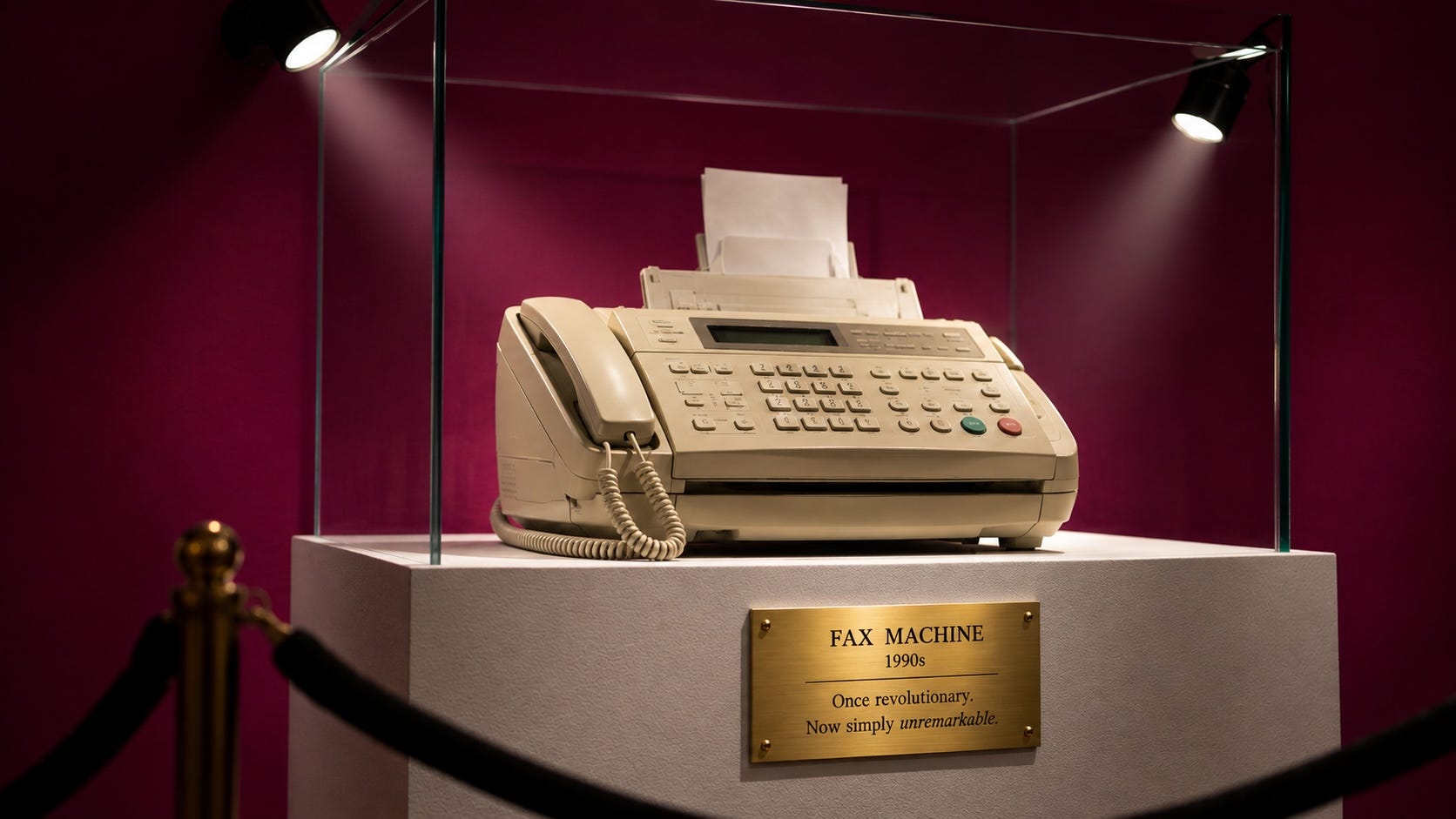
The privacy work takes an afternoon. The habit takes about a week. After that, watching someone type a paragraph of context into a prompt box feels like watching them fax it.
I truly do use Wispr Flow every day. It has been a game changer for me and I think it will be for you too. If you enjoyed this article, please share it with others.
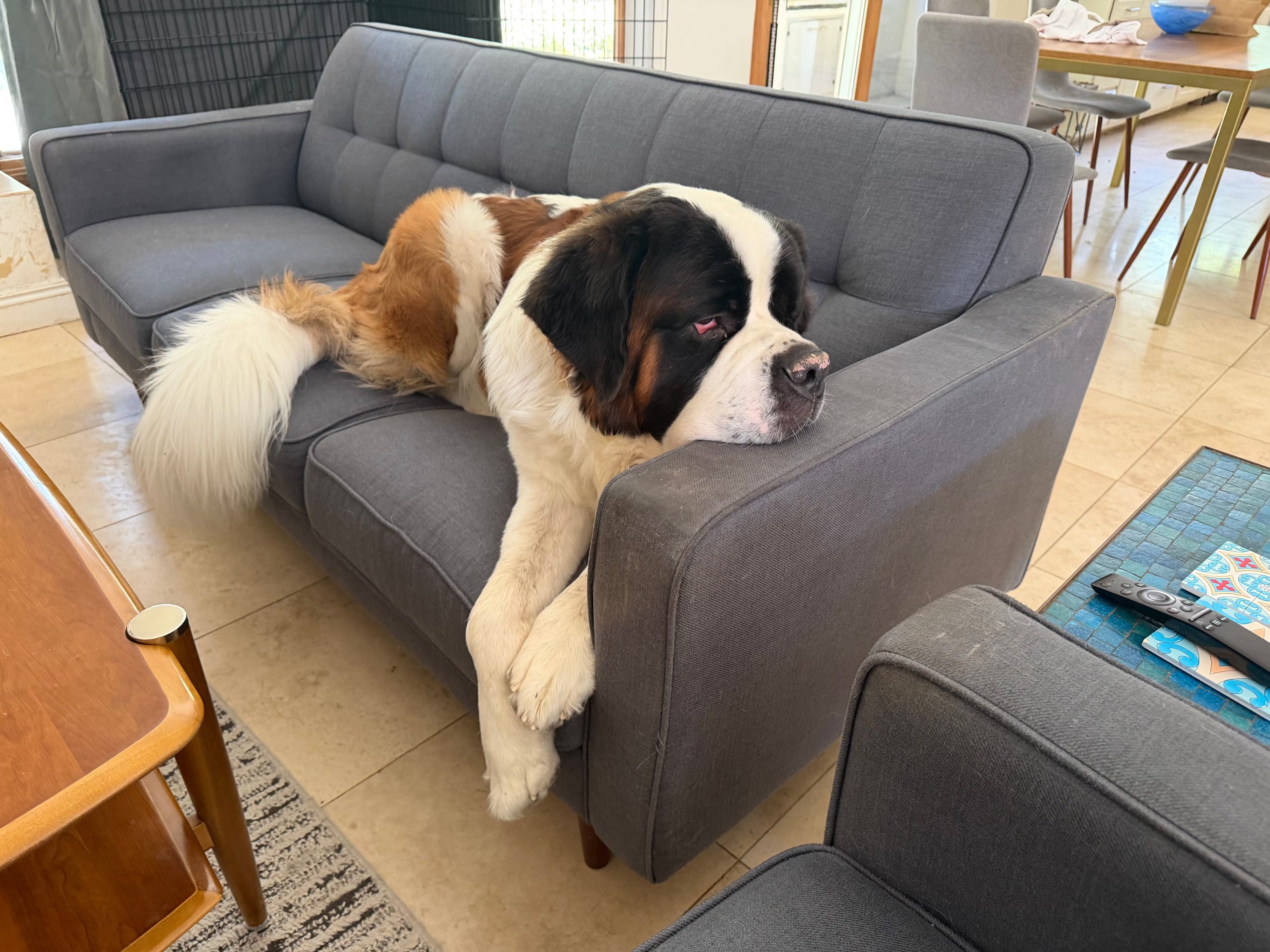
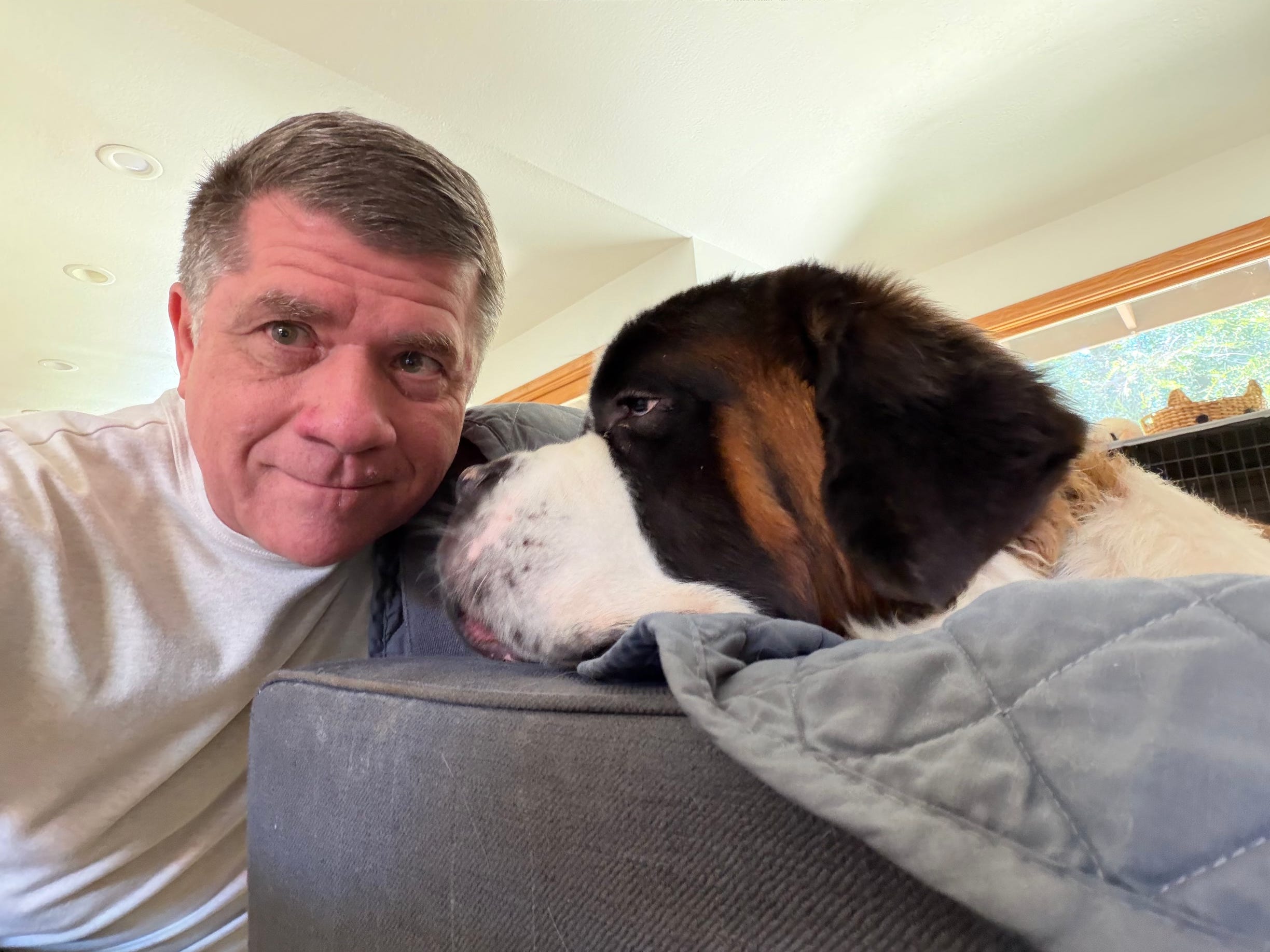
Magnus was having a chill day on the couch yesterday when he decided he wanted a little snuggle time.