

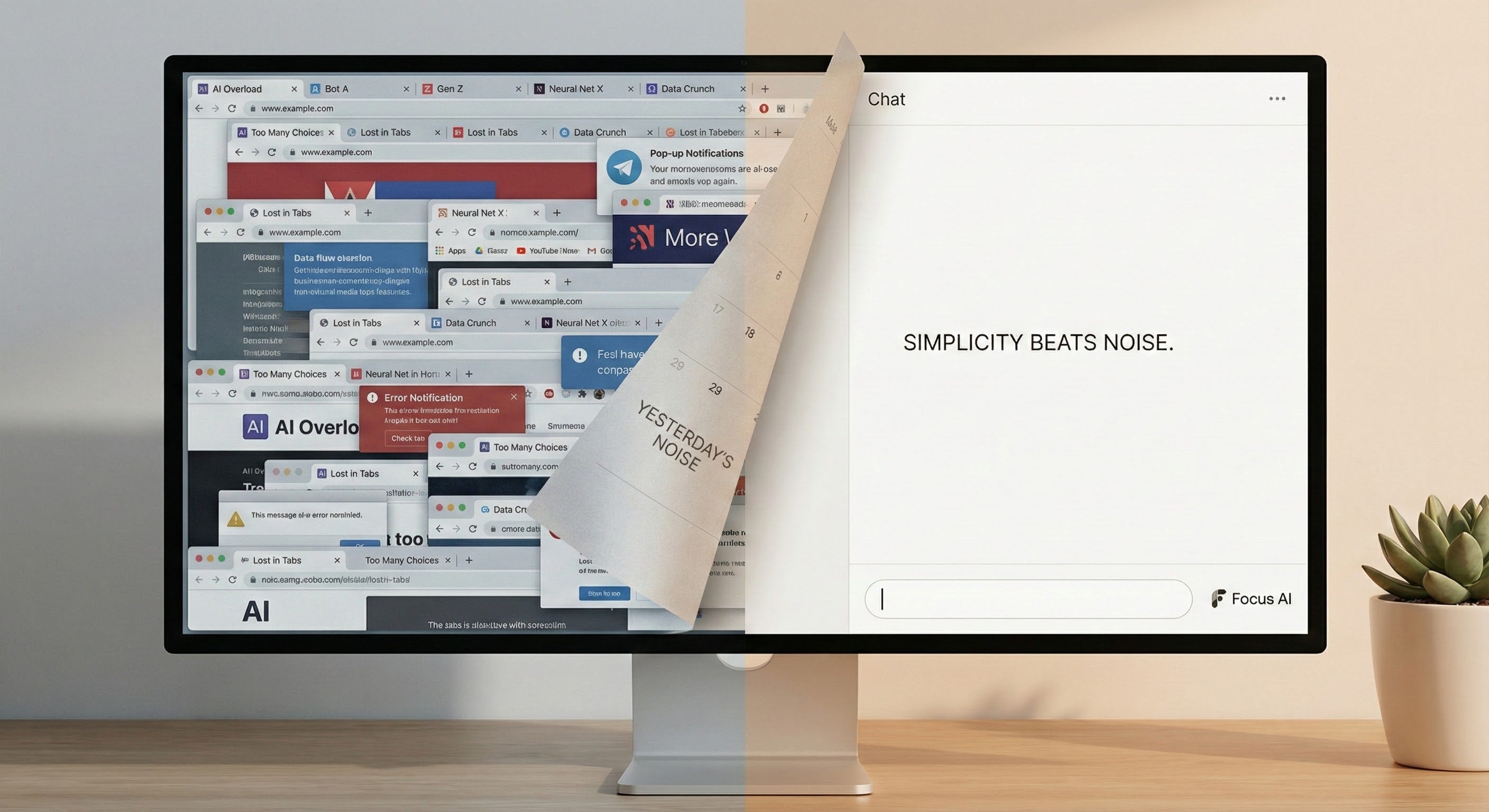
Image created by Nano Banana Pro
Zero to Fluent: A 90-Day AI Plan for Business Professionals
TL;DR: You don’t need a computer science degree to get good at AI. You need 90 days, one tool, and the discipline to use it daily. This is the plan I’d give a colleague who keeps saying “I really need to learn this stuff.” In 90 days, you’ll use AI as naturally as email. Free resources only.
You’ve been meaning to figure out this AI thing for months now. Maybe a year. Every time you sit down to learn it, you end up with forty browser tabs open and no idea where to start. So you close them all and go back to doing things the old way.
I get it. The noise around AI is deafening. Everyone’s an expert. Every tool is “revolutionary.” And somewhere in the back of your mind, you’re wondering if you’ve already fallen too far behind.
Here’s the thing: you haven’t. And you don’t need to become a prompt engineer or understand neural networks. You just need a simple plan and the commitment to stick with it.
That’s what this is. Ninety days. One tool. Daily practice. By the end, AI will feel as natural as email. Not because you’ve mastered some complex technical skill, but because you’ve built a habit.
One important reality check before we start: AI still hallucinates. It needs clear instructions. You have to verify everything important. Think of it like a brilliant intern who works incredibly fast but occasionally makes things up with complete confidence. Useful? Absolutely. Trustworthy without oversight? Never.
The cost: Free. Every resource I’m recommending has a free tier or audit option.
Before You Start: Your Setup (30 Minutes)
First, pick one tool and commit to it for all 90 days. Not three tools. Not whatever’s trending this week. One.
Your options are Claude at claude.ai, ChatGPT at chatgpt.com, or Gemini at gemini.google.com. Claude tends to sound more human and handles writing and analysis well. ChatGPT is the default for a reason and excels at reasoning and general problem-solving. Gemini works best if you live in Google Workspace since it integrates with everything you’re already using. Gemini offers free users the highest overall usage limits.
Free tiers work fine for learning. You’ll know when you need to upgrade because you’ll hit the limits constantly. Whichever model you use, I strongly recommend turning off the “improve this model for everyone” option so it doesn’t train on your data!
Next, subscribe to One Useful Thing by Ethan Mollick at oneusefulthing.org. He’s a Wharton professor and writes the single best practical AI content I’ve found. Read his Quick Start Guide before Day 1 (it’s a little dated as it was written earlier in the year - but still an excellent guide!). Think of it as your textbook.
Finally, open a Google Doc or note and label it “My AI Playbook.” You’ll add to this throughout the 90 days. Create four sections: prompts that work, tasks AI helps with, things I must verify, and my red lines (things I won’t use AI for). This becomes your personal reference manual.
Month 1: Get Comfortable (Days 1-30)
The theme here is simple: stop being intimidated and start using it daily. Your goal is to replace one Google search and one email draft per day with AI. That’s it.
Week 1 is about just starting. Spend about an hour total on Google’s Introduction to Generative AI (free, about 45 minutes) or start Elements of AI from the University of Helsinki. Then practice. Day 1, ask AI to explain what it is like you’re explaining it at dinner. Day 2, paste a paragraph you wrote and ask for three rewrites: shorter, friendlier, more direct. Days 3 through 7, before every Google search, ask yourself: “Could AI answer this faster?” Try it and see.
Week 2 is where you learn what AI gets wrong. This matters more than you think. Continue with Elements of AI, focusing on what AI can and can’t do. For practice, ask AI about something you know well. A case you worked on, your company’s history, your industry’s regulations. Mark what it gets wrong. Then try this: instead of answering your question, ask AI “What 5 questions would you need to answer this well?” This teaches you how to prompt better. Add three things AI got wrong to your Playbook. These become your verification triggers.
Week 3 is prompting basics. Read OpenAI’s Prompt Best Practices (a 15-minute read) and browse Microsoft’s Copilot Prompt Gallery for patterns. Here’s the structure I want you to master:
You are [ROLE].

Context: [WHAT YOU'RE WORKING ON]

Task: [WHAT YOU NEED]

Constraints: [TONE, LENGTH, WHAT TO AVOID]

Output format: [BULLETS, TABLE, DRAFT, ETC.]

Ask me 3 clarifying questions if needed before you answer.
Build your first prompt pack this week. Save three prompts in your Playbook: one for “summarize this and give me action items,” one for “draft a response in my voice” (include a sample of how you write), and one for “give me 3 options with tradeoffs.”
Week 4 is review. Look at your browser history. How many Google searches could have been AI prompts? Which prompts worked? Which flopped? Update your Playbook accordingly.
Here’s the key insight from Month 1: the quality of your prompt determines the quality of the output. Vague in equals vague out. Every time.
Month 2: Save Time (Days 31-60)
Now we turn AI into a productivity multiplier. Your goal is to save 2-3 hours this month on work you used to do manually.
Week 5 focuses on summarization. The principle is simple: AI reads faster than you, so use it. Skim Anthropic’s Prompt Engineering Overview for the basics. Then practice with real work. Take rough meeting notes, the messy bullet points and fragments, and ask AI to turn them into an executive summary with action items and owners. Take a long email thread and ask: “What decisions were made? What’s unresolved? What do I need to do?” Pro tip: upload documents directly. All three tools can read PDFs and Word docs now.
Week 6 is about first drafts. The principle here changed how I work: never start from a blank page again. Read Google’s Gemini Prompt Tips for practical guidance that applies to any tool. Then practice on real situations. For a difficult email, try: “I need to deliver tough feedback to a peer about missed deadlines. Draft something that’s direct but maintains the relationship.” For a proposal, ask for a structure covering problem, solution, costs, risks, and timeline. For meeting prep, ask what questions you should anticipate from a specific type of stakeholder about a specific topic.
Week 7 is tone shifting. One idea, multiple audiences. Take something you wrote and ask AI to rewrite it for a LinkedIn post, then for a board memo, then for a casual Slack message. See how the same content adapts. Save the versions that sound most like you.
Week 8 covers document analysis. Audit Vanderbilt’s Prompt Engineering for ChatGPT course on Coursera (watch the first 2-3 modules). Then upload an industry report or white paper and ask: “What are the 3 most important takeaways for someone in my role?” Follow up with: “What questions should this raise for me?”
Month 3: Think Better (Days 61-90)
This is where it gets interesting. You’re not just using AI to execute tasks anymore. You’re using it to challenge your thinking.
Your goal: solve one complex problem with AI as your thinking partner.
Week 9 is AI as devil’s advocate. Audit Andrew Ng’s Generative AI for Everyone course, Week 2 on AI projects. Then practice these three techniques. For a pre-mortem, say: “I’m about to [decision]. Tell me 3 ways this fails, what early warning signs look like, and how to mitigate.” For red teaming, share your proposal and say: “Play the skeptical executive. What holes do you see?” For stakeholder simulation, ask AI to react to your plan as if it were the CFO, client, or regulator.
Week 10 is role-specific work. Pick your track and produce one real deliverable per week.
If you’re an executive, create a one-page weekly brief covering metrics, risks, priorities, and asks. Or build a decision memo with options, tradeoffs, and a recommendation.
If you’re in sales or client services, build an account plan with stakeholders, challenges, and talk track. Turn a call debrief into a follow-up email with action items.
If you’re in marketing, create a content calendar from customer pain points. Write the same copy three ways: benefit-led, proof-led, and objection-led.
If you’re in finance or operations, turn a budget narrative into risks, assumptions, and scenarios. Create an “explain this to the board” version of any messy operational issue.
If you’re in HR or people ops, build a job description with interview questions and scorecard. Or create a 30/60/90 day plan for a new hire.
Week 11 is about building your reusable system. Review everything in your Playbook. Pick your 5 best prompts. Standardize them. For each one, write the exact prompt text, when to use it, and what inputs you need to provide. Share them with a colleague and have them test. Improve based on feedback.
Week 12 covers responsible use. No lecture here, just practical stuff. Skim the OECD AI Principles for simple, durable guidelines.
Build your personal safety checklist with 10 items max. What do you always verify? What data do you never paste? When do you need human review? Add this to your Playbook as “My AI Rules.”
Day 90: Lock It In
Review what worked. Pick 3 tasks you now do with AI. Estimate time saved per task. Decide whether to upgrade to paid. If you’re using it daily, the answer is yes.
Plan your next 90 days around three things: one new workflow to master, one risk to strengthen (verification, data handling, whatever needs work), and one person to teach. You learn by teaching.
The Resource Library
I’ve referenced a lot of links throughout this piece. Here they are in one place.
For absolute beginners, start with Google’s Introduction to Generative AI (45 minutes) or Elements of AI (6-8 hours). For business context, Andrew Ng’s AI for Everyone takes about 6 hours. For hands-on practice, his Generative AI for Everyone is another 6 hours. If you want to go deep on prompting, Vanderbilt’s Prompt Engineering for ChatGPT runs about 18 hours. All free to audit.
For prompting guides, each platform has official documentation. OpenAI’s Prompt Best Practices and their Developer Prompt Engineering Guide. Anthropic’s Prompt Engineering Overview and their Interactive Tutorial on GitHub. Google’s Workspace Prompting Tips and their Prompt Design Strategies. Microsoft’s Copilot Prompt Gallery. Bookmark the one for whatever tool you picked.
For ongoing reading, Ethan Mollick’s One Useful Thing is the one newsletter I’d recommend if you only read one.
Two Rules That Prevent Most Mistakes
First, treat AI like a smart intern, not an oracle. Great for drafts, brainstorming, summarization. Not reliable for final facts, numbers, legal claims, or anything you’d be embarrassed to get wrong.
Second, never paste sensitive data unless your organization explicitly allows it. Assume anything you type could be seen by someone else. Use anonymized examples. Ask your IT or legal team about approved tools.
That’s it. Start Day 1. Adjust as you go.
The best learning happens by doing. And you’ve been meaning to do this for a while now.
If you found this useful, share it with someone who keeps saying “I really need to learn this AI stuff.” They do. Now they have a plan.
This was obviously not one of my regular articles. I’ve had several people reach out lately asking me “where to start.” This is my attempt to put together an approach anyone could use.
PS: Magnus’s favorite thing to do in the morning is flop down next to me on the couch, roll over

, and get endless belly rubs.
This is an excellent course syllabus! Thank you! While I'm not a complete neophyte, this logical step-by-step FREE course is perfect for those of us who are easily distracted and those who are't!