

The AI Model Doesn’t Matter as Much as You Think. The Harness Does.
TL;DR: The major AI models have mostly caught up to each other in raw intelligence. What actually separates them now is the “harness,” the product layer around the model that determines how it connects to your work, your files, your tools, and your phone. If you’re choosing an AI product for your firm, this is what you should be evaluating. My read: Claude is best positioned for knowledge workers. Gemini is best if you live inside Google. ChatGPT is the broadest general-purpose workbench. The choice matters more than most people realize.
The Conversation That Changed How I Think About This
A managing partner asked me last month which AI model his firm should bet on. I started to answer and then stopped myself. Because the question was wrong.
Not wrong in a rude way. Wrong in a “you’re asking about the wrong thing” way.
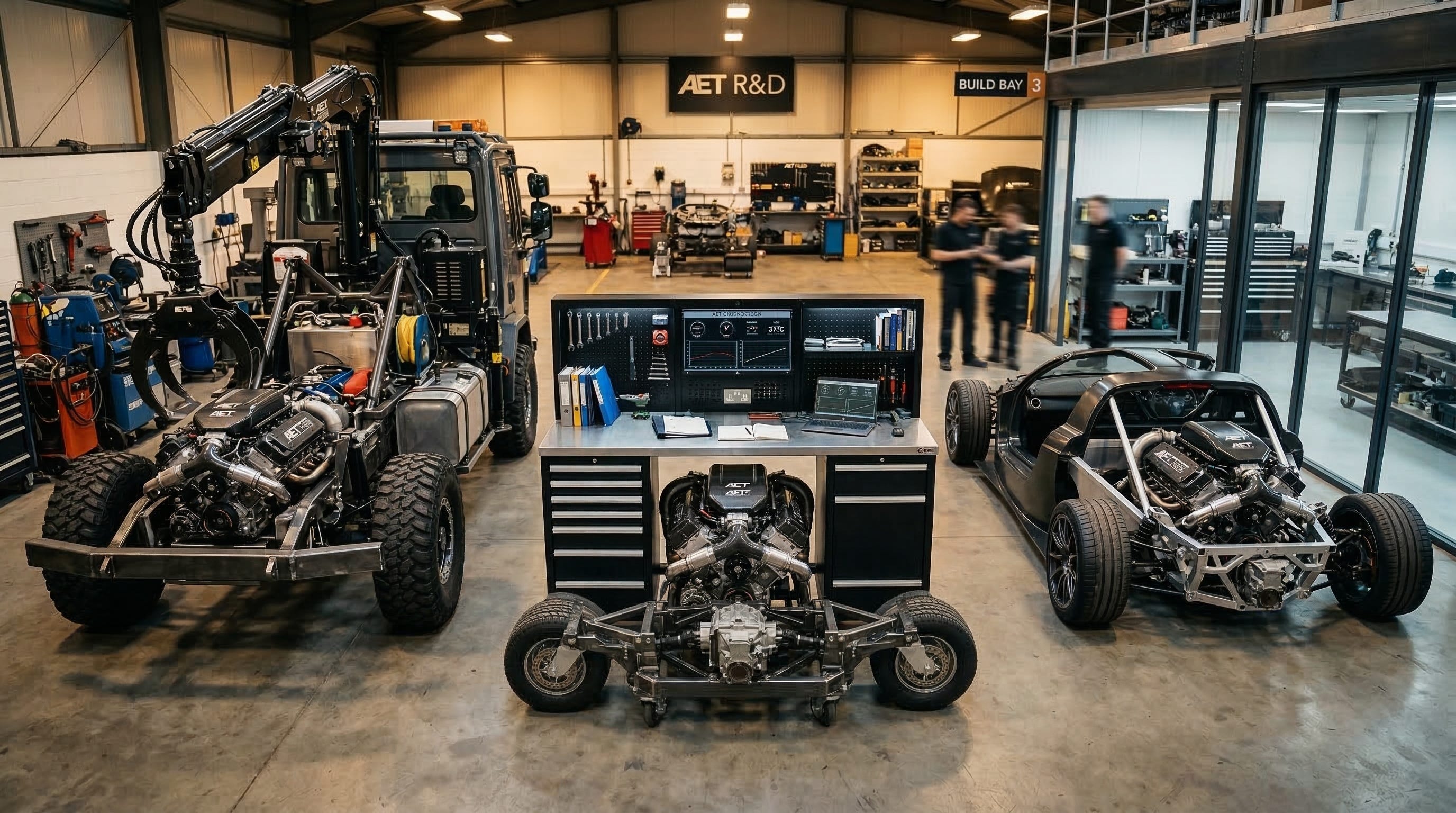
He was asking about the engine. He should’ve been asking about the car.
Here’s what I mean. GPT-5.4, Claude Sonnet 4.6, Gemini 3.1 Pro: they’re all remarkably capable. The benchmarks have converged to the point where the gap between the best and third-best model on most reasoning tasks is single digits. For the vast majority of what a law firm or professional services company needs, any of these models can do the thinking.
But thinking is only half the job. Maybe less than half. The other part is everything the product does to connect that thinking to your actual work. Your documents. Your email. Your calendar. Your CRM. Your phone.
That product layer is what I call the harness. And it’s where the real differences live right now.
What a Harness Actually Is
Think about it this way. You’ve probably ridden in both a Porsche and a Honda Accord. Both can go 80 on the highway. But the steering, the seats, the way the navigation works, how the car responds when you need to pass someone at 70, all of that is completely different. Same basic capability. Very different experience of using it.
In AI terms, the harness is everything you interact with that isn’t the model itself. The projects feature that keeps your work organized. Whether the AI can search the web and actually cite where it found things. Whether it can read the contract you just uploaded. Can it connect to your Google Drive? Your Outlook? Can the mobile app draft a text message or set a reminder without you opening five other apps? Can you save what you built in a conversation and come back to it next week?
That’s the harness. It’s the difference between an AI that gives good answers and one that actually fits into your workday.
Three Products, Three Very Different Harnesses
I’ve spent the last few weeks doing a detailed comparison of ChatGPT, Claude, and Gemini across eleven capability areas, everything from persistent memory to file handling to voice to mobile integration to agentic features. I’m not going to walk you through all eleven here. (I do have a full comparison spreadsheet if you want the details.) What I want to give you is the pattern, because the pattern is what actually helps you make a decision.
ChatGPT is the broadest workbench. Most features, widest range. Image generation, video creation, voice mode, a marketplace of thousands of custom GPTs, group chats, a shopping mode, a study mode, a browsing agent in a virtual computer called “agent mode.” If you want one product that does a little of everything, this is it. Swiss Army knife.
The tradeoff is what you’d expect. All that breadth means some of the pieces that matter most for professional work are still catching up. Canvas (their editing workspace) is still mostly a desktop experience. Creating custom GPTs is web-only. Task scheduling is limited. And OpenAI recently started testing sponsored messages on the free tier. That last one is worth paying attention to, because it tells you something about where their product priorities are heading.
Claude has the strongest harness for knowledge workers. I say this as someone who stayed platform-neutral for a long time, and I know how it sounds coming from someone who uses Claude daily. But the harness is why I ended up here. Claude’s writing quality is widely considered the best in the field, sure. But that’s the model, not the harness. The harness story is about Projects (persistent workspaces with up to 200K tokens of context), Artifacts (a side panel where Claude builds documents, apps, diagrams, and code you can keep iterating on), connectors to over 50 external tools through the open MCP standard, and Skills that teach it repeatable workflows, and now Cowork.
Let me make this concrete. I have a Project set up for a client engagement. It’s loaded with the relevant contracts and memos. Connected to my Google Drive and calendar. I’ve taught it a skill for how I want research memos formatted. And I work inside that workspace across multiple conversations over weeks. The AI remembers the context. It follows my instructions. It connects to my tools. That’s not a chatbot. That’s a harness built for someone who does knowledge work for a living.
On mobile, Claude has deep iOS integration through App Intents, Siri shortcuts, widgets, the ability to draft messages, manage calendar events, trigger actions across apps. It’s not just a chat window on your phone. It’s wired into the phone itself.
Gemini is the strongest harness if you live in Google’s world. And I mean live there. If your firm runs on Gmail, Google Calendar, Google Drive, Google Docs, and Google Meet, Gemini’s harness is genuinely hard to beat. Native, deep connections to all of those services. It can reason across your email, your documents, and your calendar at the same time through what Google calls Personal Intelligence. On Android, it goes even further: lock screen access, on-screen context awareness, integration with Google Messages, the ability to act through your phone’s utilities. It’s the most ambient AI assistant on a phone right now.
The problem is that Gemini’s strength is also its wall. Most of that deep integration only works inside Google’s ecosystem. If your firm uses Outlook, or Salesforce, or Slack, or any of the dozens of tools that aren’t made by Google, the harness gets thin fast. The third-party connector story is much weaker than Claude’s MCP-based approach. And several of Gemini’s most interesting features (screen automation, scheduled actions, some of the Personal Intelligence stuff) are gated behind specific plans, geographies, account types, and opt-in requirements. It gets complicated.
For knowledge work specifically, Gemini feels more like a really good personal assistant than a professional workstation. That’s a real distinction when your work product is a contract or a strategy document, not a calendar invite.
Why This Matters for Your Firm Right Now
This isn’t an academic exercise. The harness has real consequences for how you evaluate, buy, and deploy AI.
The obvious one is adoption. The best model in the world doesn’t help if your team can’t connect it to the systems they already use. I’ve watched firms buy the “best AI” and then watched their lawyers ignore it because it didn’t fit into anything they actually do. The harness is what makes AI sticky.
But here’s a less obvious one. The harness determines what kind of work the AI can actually take on. A model without file handling can’t review a contract. Without connectors, it can’t pull data from your document management system. Without persistent projects, it can’t maintain context across a multi-week engagement. These aren’t nice-to-haves. They’re the gap between a demo and a daily tool.
And the one most firms miss entirely: switching costs. Every project you build, every connector you configure, every skill you teach, every workflow your team learns, all of that creates friction around the product you chose. That’s not necessarily bad. But you should be building that friction around the right product, not the one you grabbed first.
What to Do Monday Morning
Stop comparing models and start comparing harnesses. Ask your team what they actually need the AI to connect to, create, and remember. Match those needs against the product layer, not the benchmark scores.
Audit your firm’s tool stack. Google Workspace shop? Gemini deserves a serious look. Microsoft 365 or a mixed environment with Salesforce, Slack, and specialized legal tech? Claude’s open connector model gives you more reach.
Run a 30-day pilot focused on workflow, not intelligence. Give ten people access. Measure how often they use it, what they connect it to, whether it sticks. The AI that gets used daily is the one that works.
Check the connector list before you sign anything. What each product can actually connect to changes fast. Get a current list. Match it against your real software stack, not the one on the marketing slide.
Plan to re-evaluate. All three companies are shipping new harness features monthly. Quarterly check-ins beat annual reviews here.
The Bottom Line
We spent two years arguing about which AI is the smartest. That debate is mostly settled. The models are close enough that for professional work, raw intelligence rarely decides the outcome anymore.
What decides it is the harness. How the AI connects to your work. Whether it remembers what you told it last Tuesday. Whether it can reach into the tools you already use. Whether it shows up on your phone at 7 AM when you’re prepping for a meeting and actually helps instead of getting in the way.
Pick the harness that fits how you work. The model will take care of itself.
If you read this far, you’re not shopping for AI. You’re trying to figure out how to make the investment you’ve already made (or are about to make) actually stick. That’s a different problem than most of the market is solving for, and it’s the one that keeps showing up in every firm I talk to.
That’s the conversation I have every day with managing partners and COOs who are past the hype and into the hard part. If you’re working through which platform fits your team, or why the one you picked isn’t getting traction, send me a note at steve@intelligencebyintent.com. Tell me what you’re seeing. I’ll tell you what I’d do, and I’ll be honest about what’s ready and what isn’t.